
Every blind, from the job sheet to the workshop. Know what's ready.
An accepted job sheet becomes items to make, one per blind, sent to the right maker by blind type. Makers mark them ready, and the job moves into Ready to Book for the office. Nobody re-types an order.An accepted job sheet becomes items to make, sent to the right maker by blind type. Nobody re-types an order.
For businesses that make their own blinds, or work with makers.
Real screens from the live demo, a fictional blinds business.
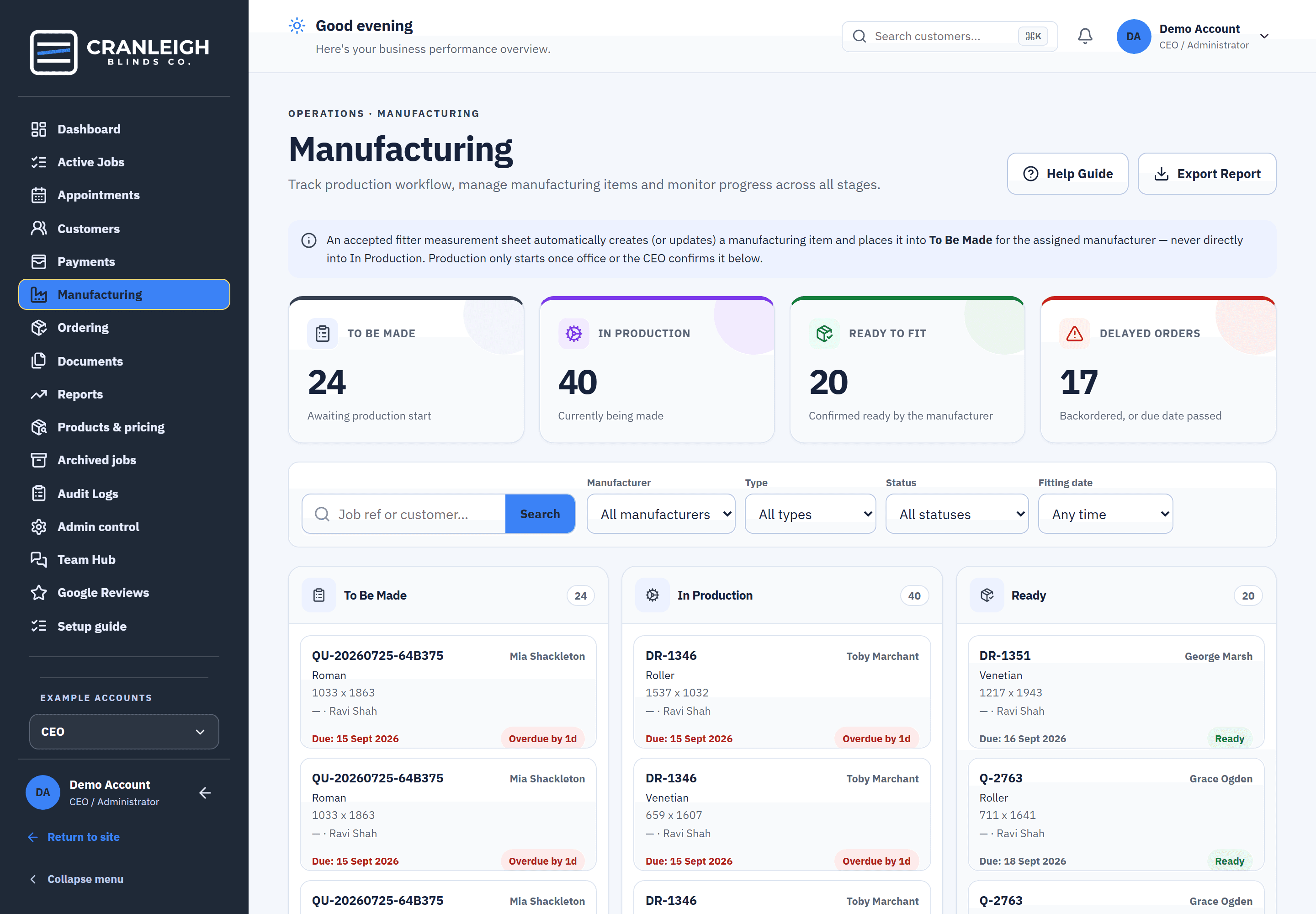
To Be Made, In Production, Ready.
The manufacturing board shows every item in three columns, with due dates and overdue flags, so late work is seen while there is still time to tell the customer.Every item in three columns, with due dates and overdue flags.
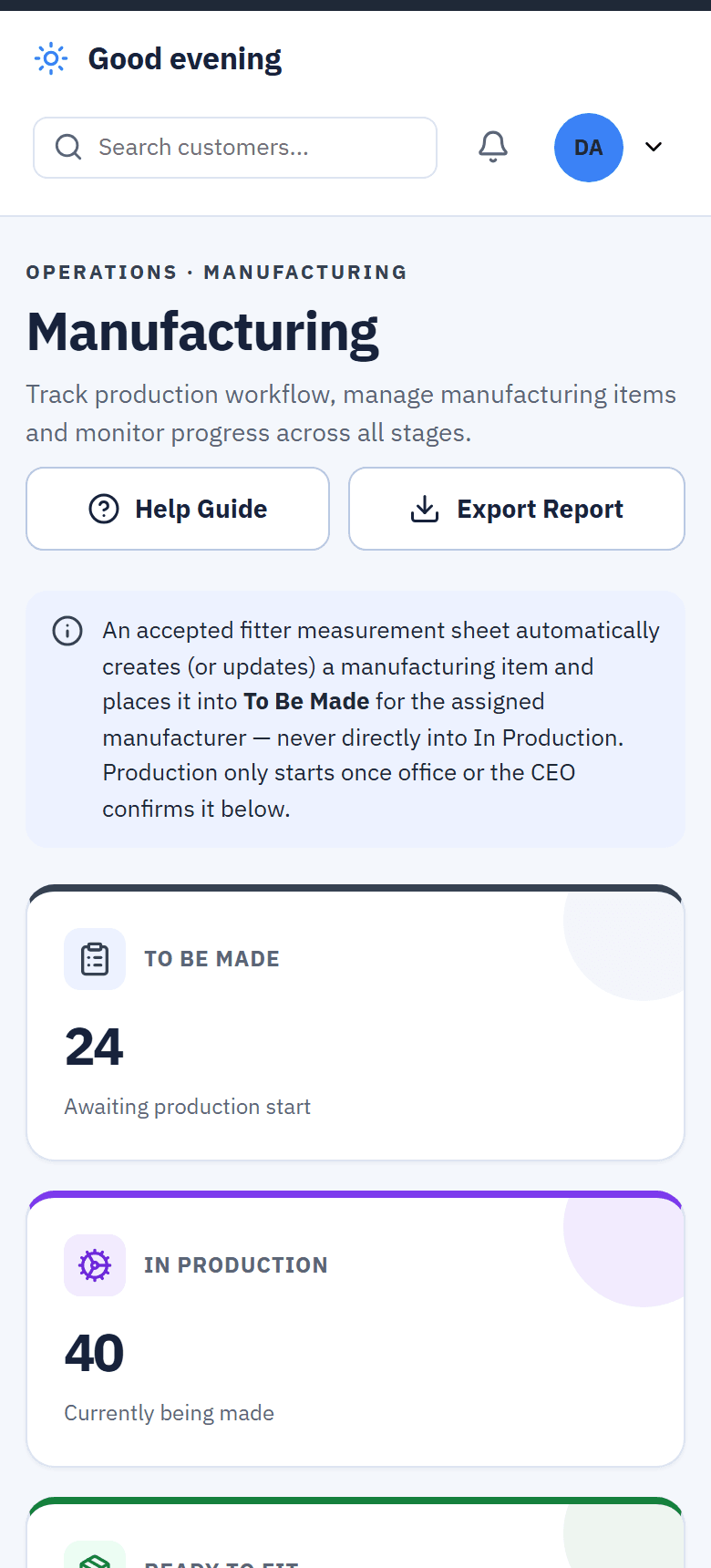
- Made for you. Items are created from the accepted job sheet, into To Be Made, never straight into production.
- Production starts when you say. The office or the CEO confirms an item before it moves into In Production.
- CSV export. Take the board's report out as a CSV file.
Each maker sees their own work, and no prices.
Each blind type routes to one or more makers. A maker signs in to their own workspace and sees the items to make on jobs where the deposit is paid.Each blind type routes to one or more makers, who see only their own items.
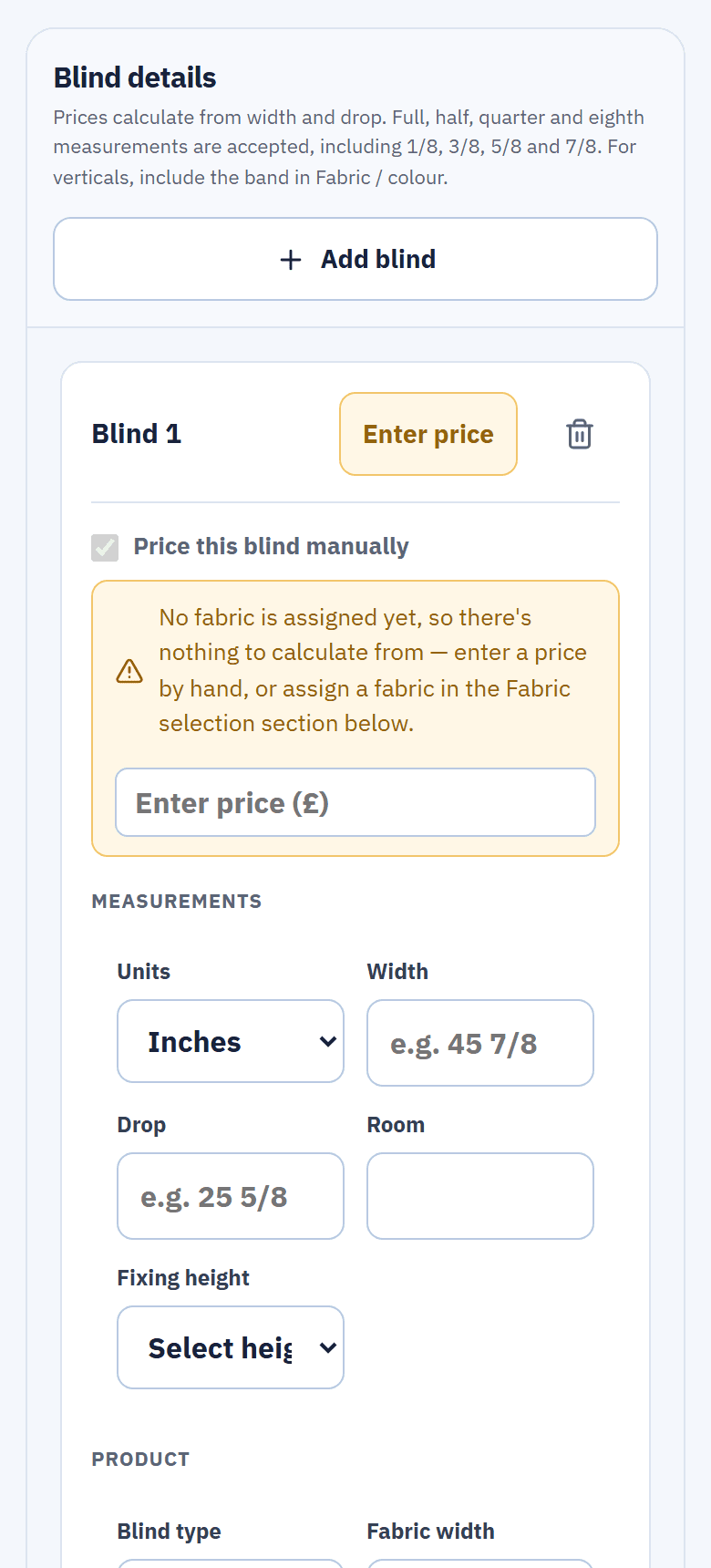
- Mark ready. Only the maker marks an item ready.
- No prices on the maker's copy. The order copy the maker works from carries sizes, products and fabrics, not money.
- Ask Office. A question about an item goes to the office in Team Hub, attached to that item.
Nothing marked ready that isn't.
If the fabric isn't in, the item says Fabric Not In, and a backorder is watched until it lands. If the spec changes after an item is ready, Ready is taken away, so an out-of-date blind is never fitted.Fabric Not In and backorders are watched; a spec change takes Ready away.
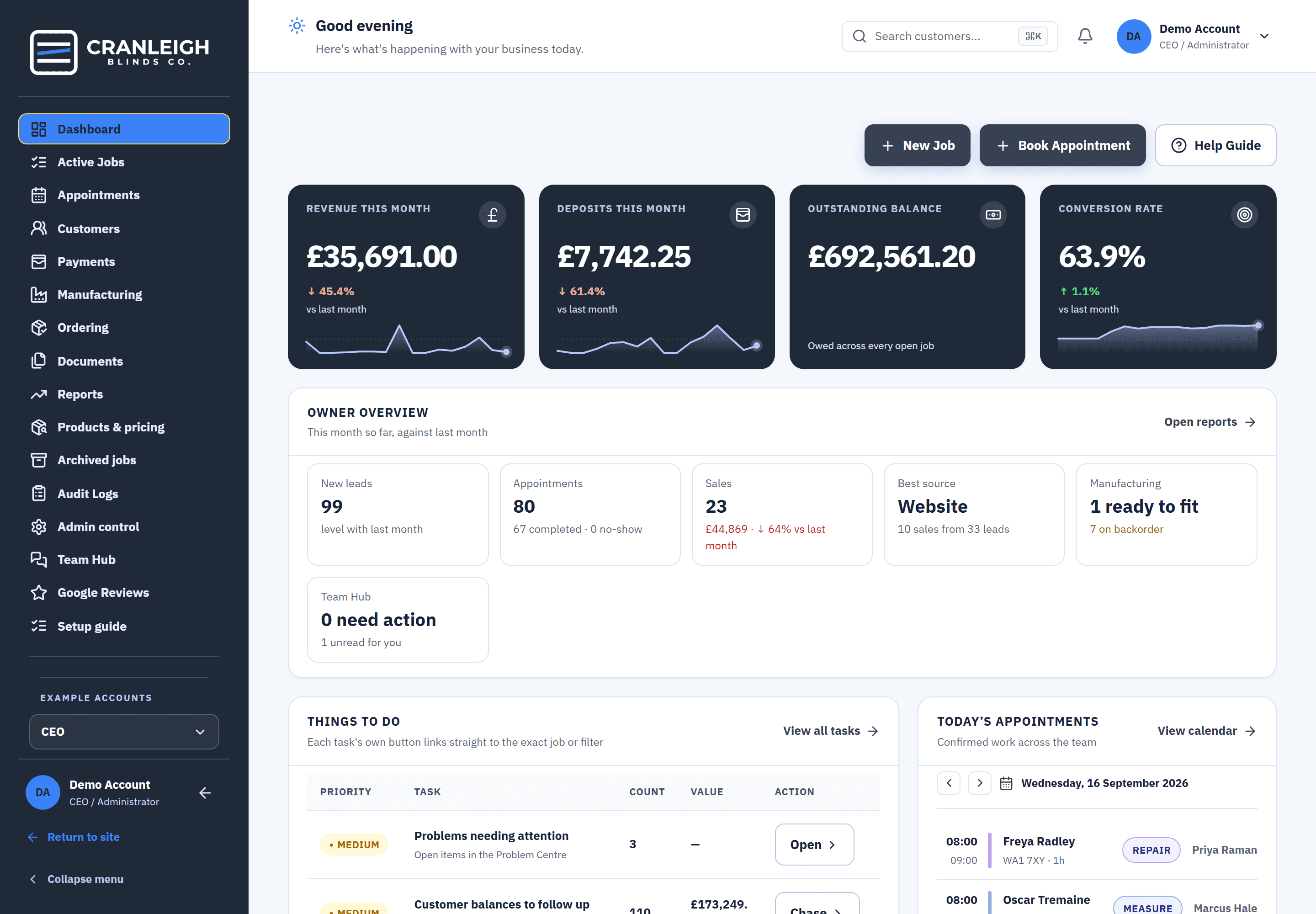
- Ordering, if you use makers. To order straight from the job sheet, On order with late items first, and Landed for the last 30 days, with supplier, reference and due date.
- Remakes. A return visit can raise a remake with new sizes.
What happens when a blind is ready.
Nobody has to remember to tell the office.
- The maker marks it ready. From their own workspace.
- The job joins Ready to Book. With its deposit in and no fitting date yet.
- The office books the fit. Up to 3 suggested times keep the fitter in the same postcode area.
- The fitter collects the balance. On the sheet, at the fitting.
Questions about manufacturing
Do makers see our prices?
No. The maker's copy carries sizes, products and fabrics, and no prices.
Can we work with more than one maker?
Yes. Each blind type routes to one or more makers, and each maker sees only their own items.
When does a blind appear on the board?
When the job sheet is accepted, an item is created in To Be Made. Makers see items on jobs where the deposit is paid, and production starts once the office or the CEO confirms it.
What if the fabric hasn't arrived?
The item shows Fabric Not In, and backorders are watched until the fabric lands.
Do we need the ordering screens?
Only if you use makers. Ordering appears for businesses that do, with To order, On order and Landed.
Related features
Know what's ready before the fitting day.
Open the maker's screen in the live demo with no sign-up, or start your 14-day trial.