
Book the right fitter, first time. Then book the fit.
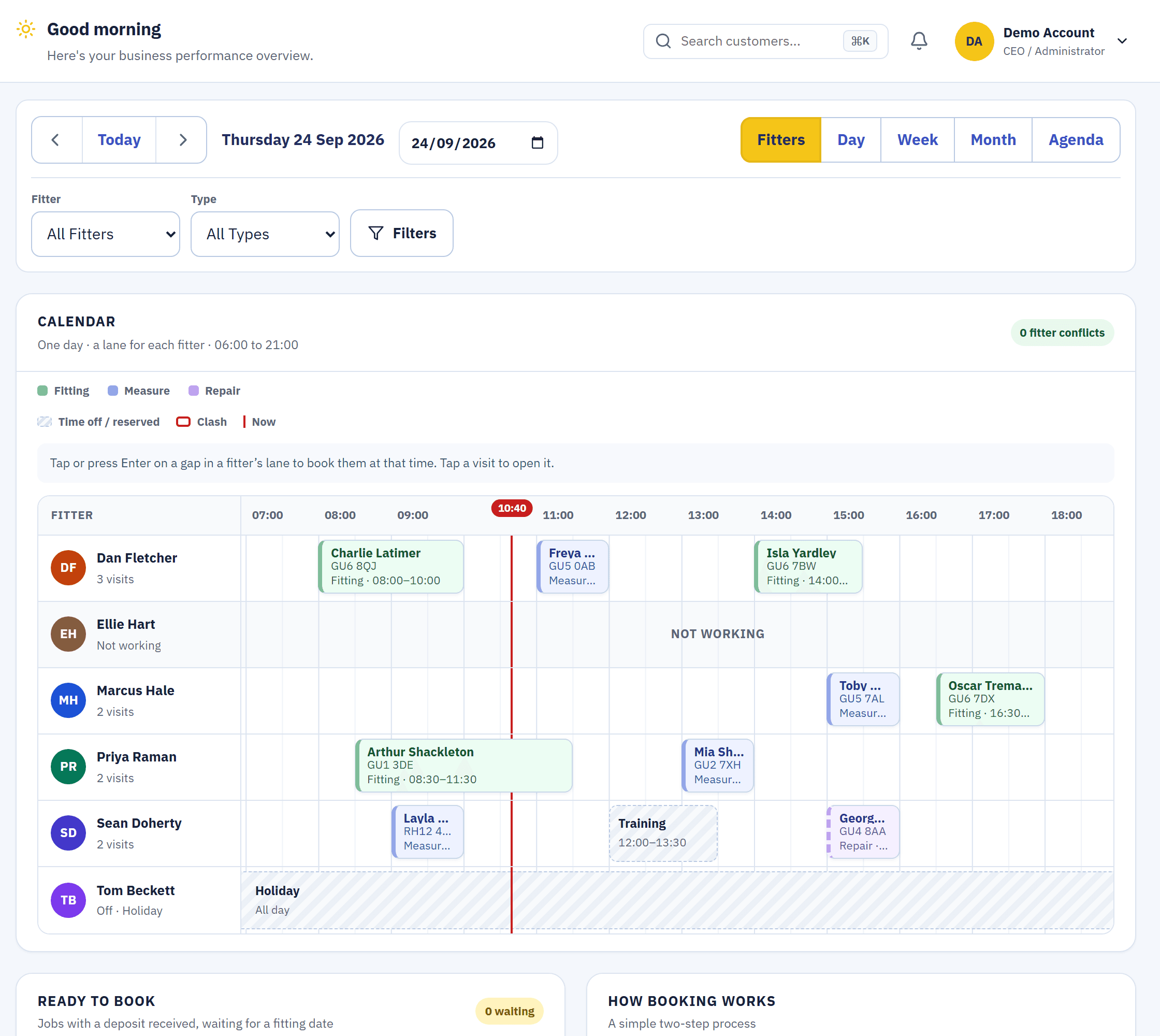
Every fitter gets a lane on the calendar. Blinds Base knows who covers which postcodes, who fits which blinds and who is off, warns you about clashes as you book, and lists every job that's ready for its fit.A lane per fitter, clashes caught as you book, and every job that's ready for its fit in one list.
Real screens from the live demo, a fictional blinds business.
A lane per fitter, and the rest one tap away.
On a desk or a tablet the calendar opens on the Fitters view: one lane per fitter across the day. Day, Week, Month and Agenda are a tap away, and Agenda is the default on a phone.The Fitters view on a desk, Agenda on a phone, and Day, Week and Month a tap away.
- Clashes caught at booking. Conflict warnings appear before you save, not on the doorstep.
- Confirmed or Provisional. Pencil a visit in, and confirm it when the customer does.
- Your hours and bank holidays. Booking outside business hours or on a UK bank holiday raises a warning.
Postcode cover, blind-type skills and time off, built in.
Set the postcode areas each fitter covers, the blind types they fit and their working days, and which fitter comes first in an area. Time off is asked for in Team Hub.Postcode cover, blind-type skills, working days and time off for every fitter.
- Appointment types. Measure, fitting, repair, service call and the others you set up.
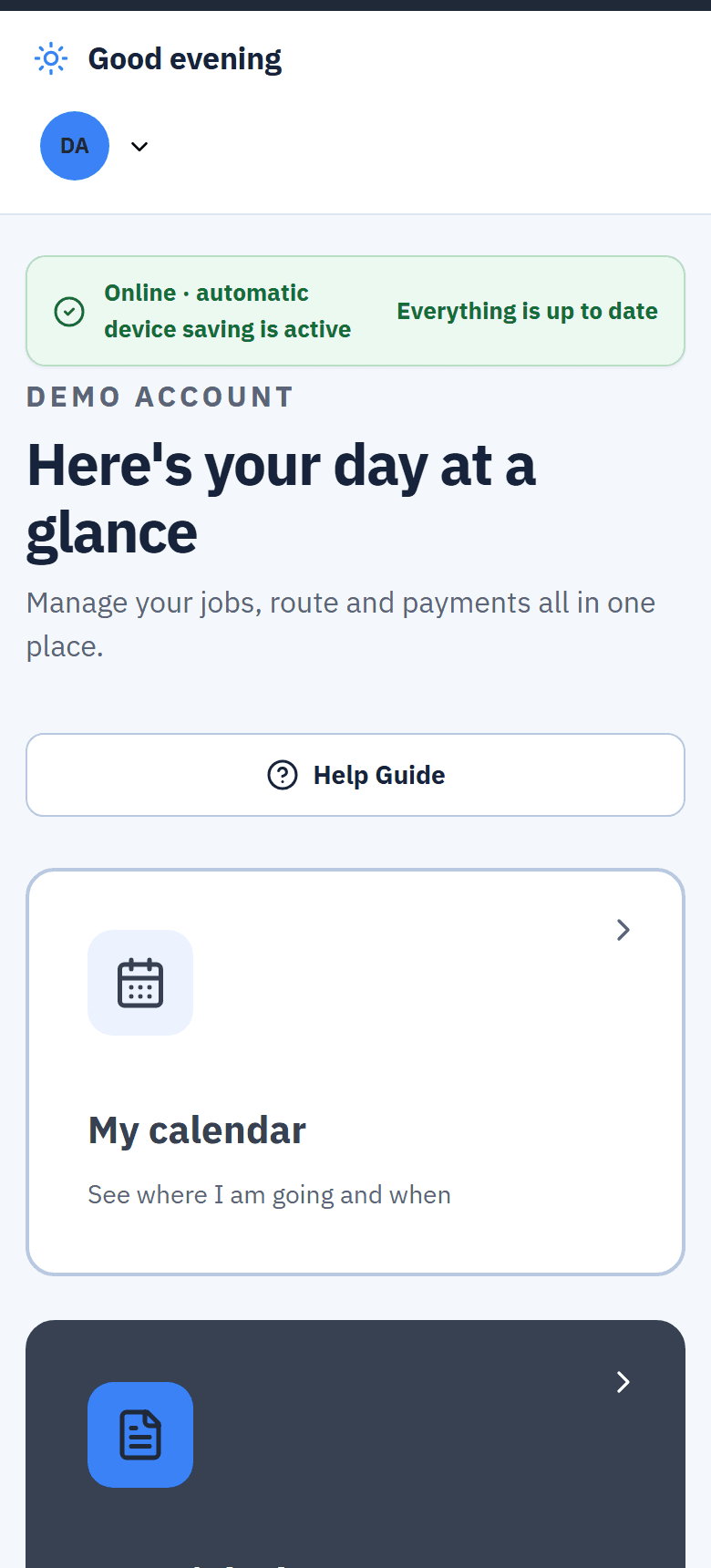
- The fitter's own day. Each fitter sees their calendar on their phone.
- Fitters can book fits too. If you allow it, Roller and Vertical fits once the deposit is in. They can't move or cancel bookings.
Ready to Book fills itself.
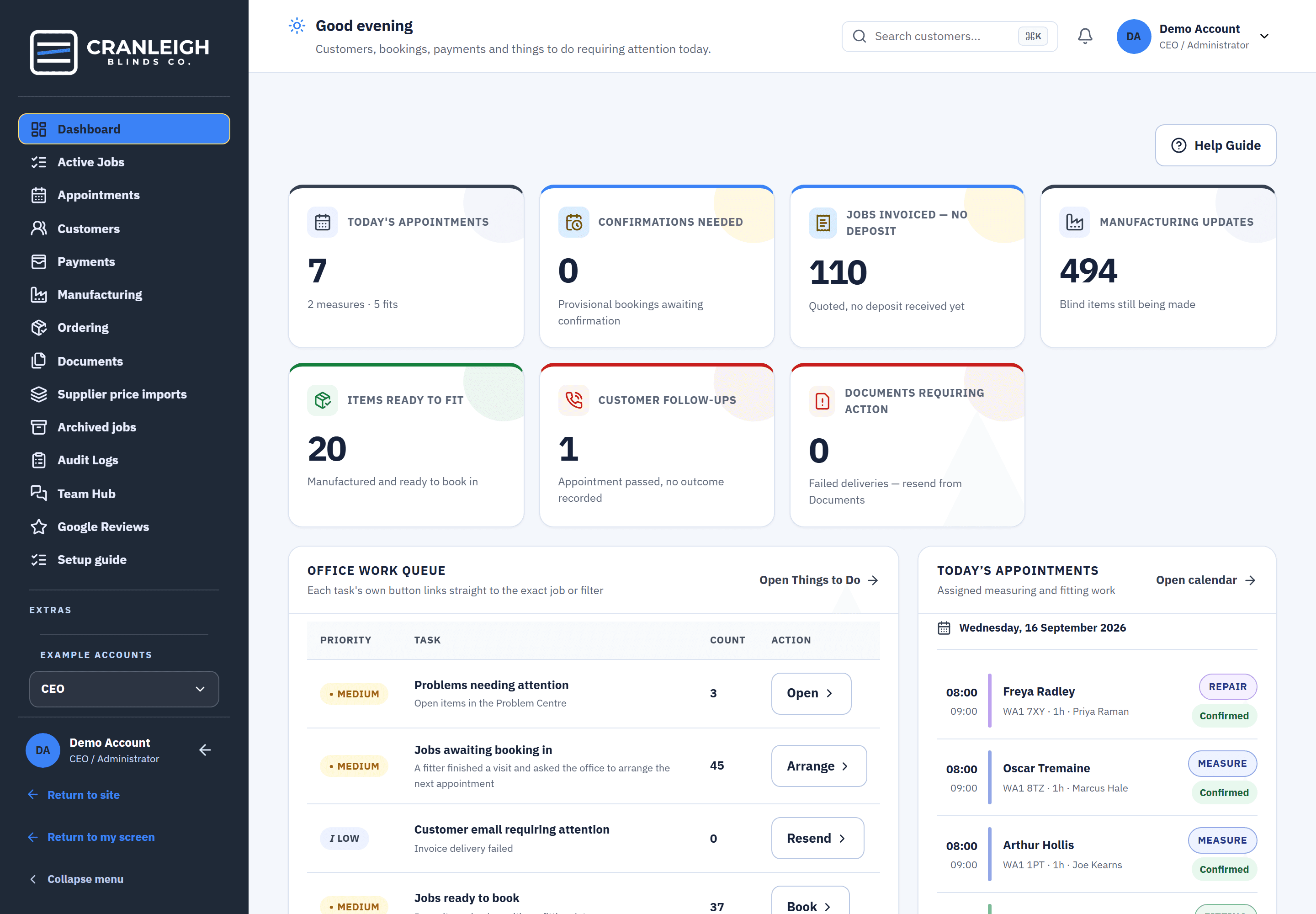
A job appears in Ready to Book the moment its deposit is in and it has no fitting date, or when a fitter asks for another visit. It leaves when a Confirmed booking is saved.A job joins the list when its deposit is in and it has no fitting date, and leaves when it's booked.
- Up to 3 suggested times. Book job suggests times that keep the fitter's route in the same postcode area.
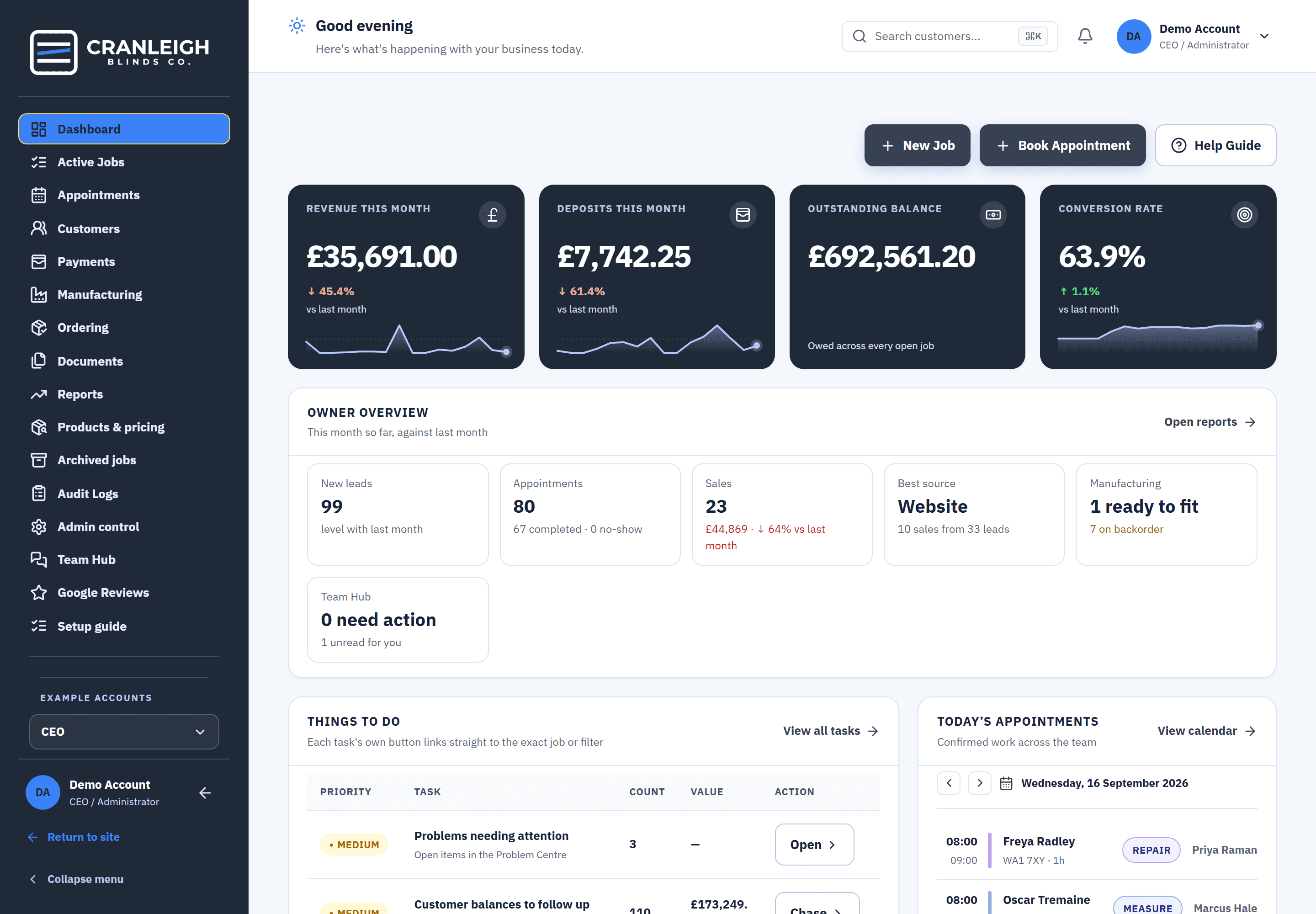
- On the dashboard. A tile shows how many jobs are waiting to be booked.
- Straight from the makers. When the blinds are ready, the fit is waiting here for the office.
What the customer gets
A confirmation
Your branded confirmation by email, or by text with the optional SMS number.
A fabric brochure
Measure confirmations attach a fabric brochure PDF built from your own catalogue.
A reminder before the visit
Texts go between 8am and 8pm, and never to a customer who replied STOP.
What happens after a booking is saved.
One booking, and everyone who needs to know does.
- The customer is told. Your confirmation goes out.
- The fitter sees it. In their day, on their phone.
- A reminder before the visit. So the customer is in when the fitter knocks.
- The outcome is recorded. Fitted, or fitted and needing a return visit, which puts the job back in Ready to Book.
Questions about scheduling
What is Ready to Book?
A list of every job whose deposit is in and has no fitting date, or whose fitter asked for another visit. It is a panel on Appointments and a tile on the dashboard, and a job leaves it when a Confirmed booking is saved.
What happens if I double-book a fitter?
You get a conflict warning before you save. Booking outside business hours or on a UK bank holiday raises a warning too.
Can fitters book their own fits?
If you allow it, fitters can book Roller and Vertical fits once the deposit is in. They can't move or cancel bookings.
Can customers book their own measure?
Yes, with the Calendar Auto Booker, an Extra that puts a booking button on your website and offers real times from this calendar.
Does it work on a phone?
Yes. On a phone the calendar opens on Agenda, and Blinds Base can be added to the Home Screen from Safari or Chrome.
Related
Book the right fitter, first time.
Try the calendar in the live demo with no sign-up, or start your 14-day trial.