
One customer. Everything about them, on one record.
Customer 360 puts a customer's jobs, appointments, payments, documents and notes in one panel that the office, the fitter and the owner all open. Nobody has to ask where the quote went.A customer's jobs, appointments, payments, documents and notes in one panel everyone opens.
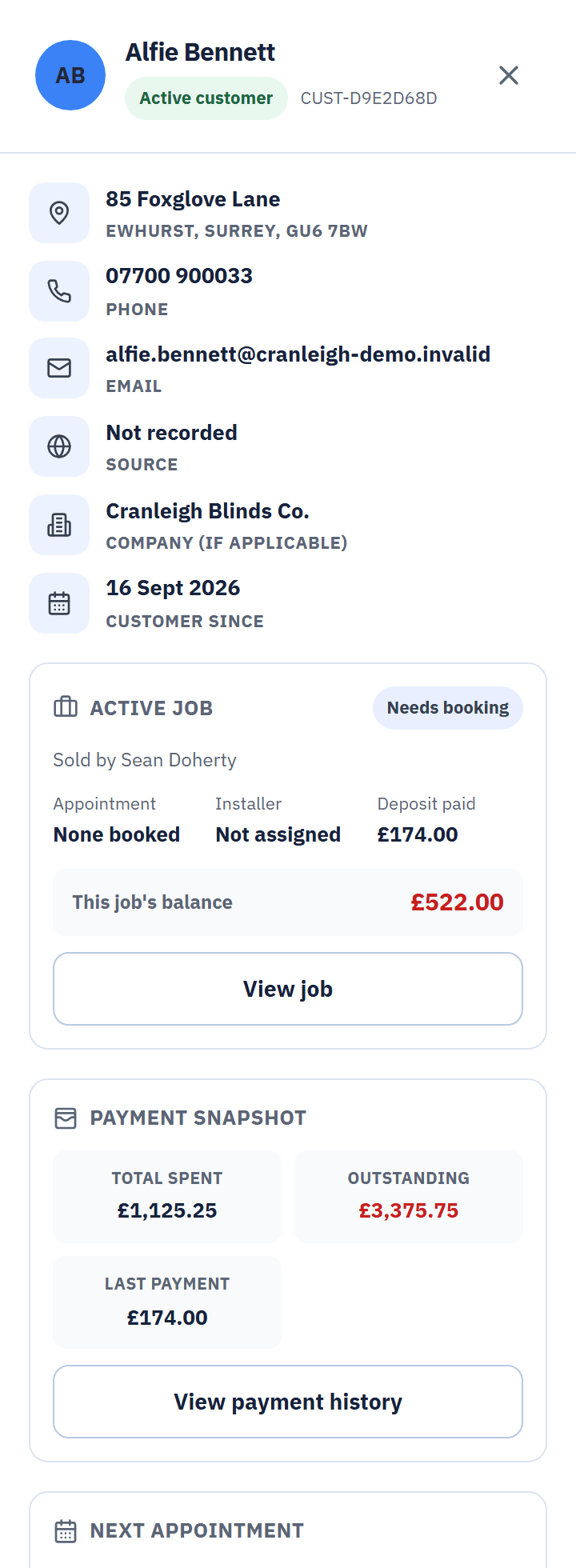
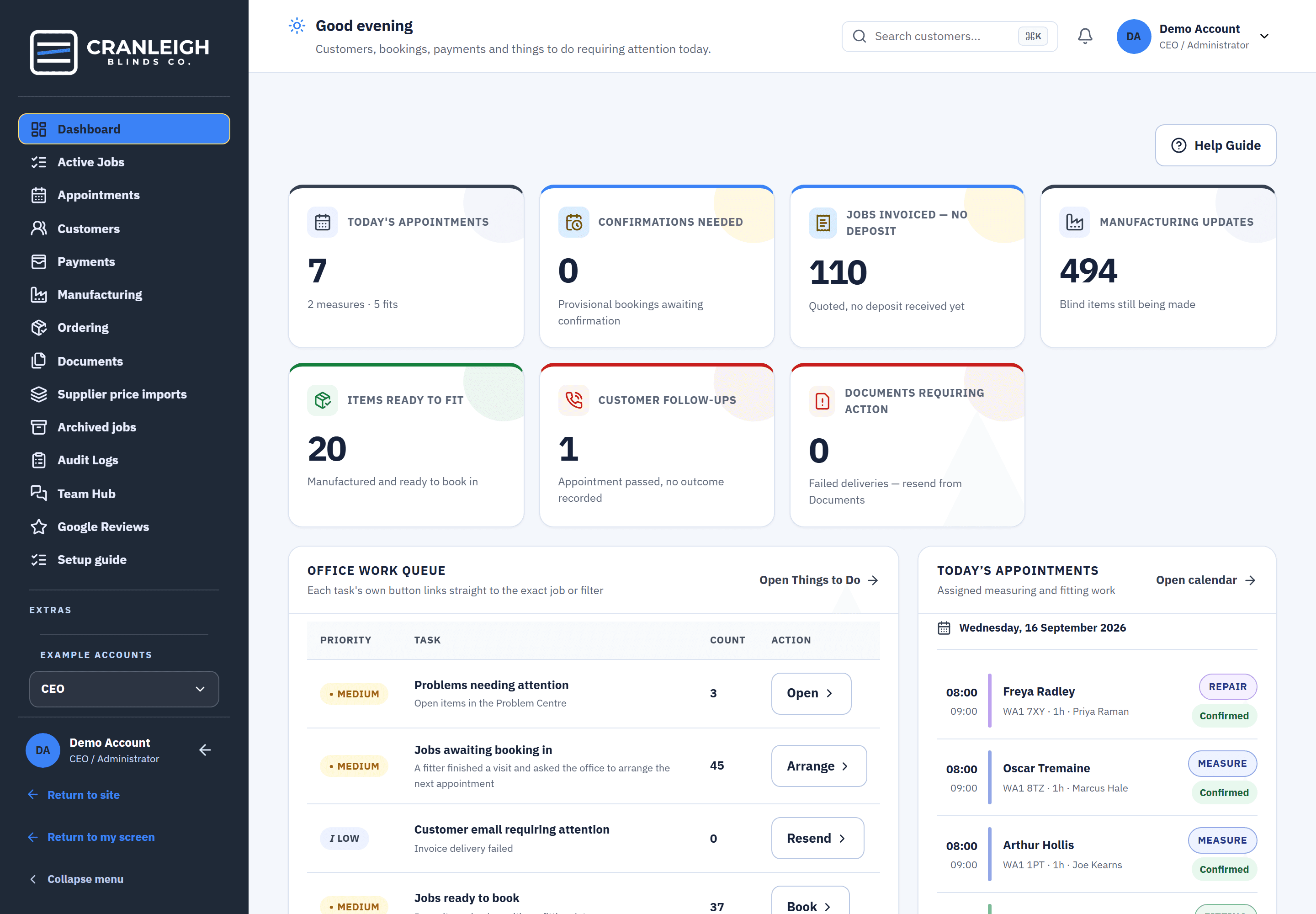
Real screens from the live demo, a fictional blinds business.
Search by name, phone, email or postcode.
The customer list searches by name, phone, email or postcode, with filters and a CSV export. Adding a customer warns you if they might already be on file.Search by name, phone, email or postcode, with filters and a CSV export.
- Merge duplicates. The CEO can merge two records for the same person into one.
- Archive and restore. Old customers go out of the way and can be brought back.
- The lead source, kept. Where each customer came from is recorded, and it feeds every report.
Deleting a customer for good is left to the CEO, so a record is never lost to someone else's slip.
Overview, Jobs, Appointments, Payments, Documents, Notes.
Open a customer and Customer 360 shows everything at once, including a table of the blinds and measurements from earlier jobs, so a repeat customer starts where you left off.Six tabs, and the blinds and measurements from earlier jobs.
- Notes that stay. Notes are added, never edited away, and there is an audit trail.
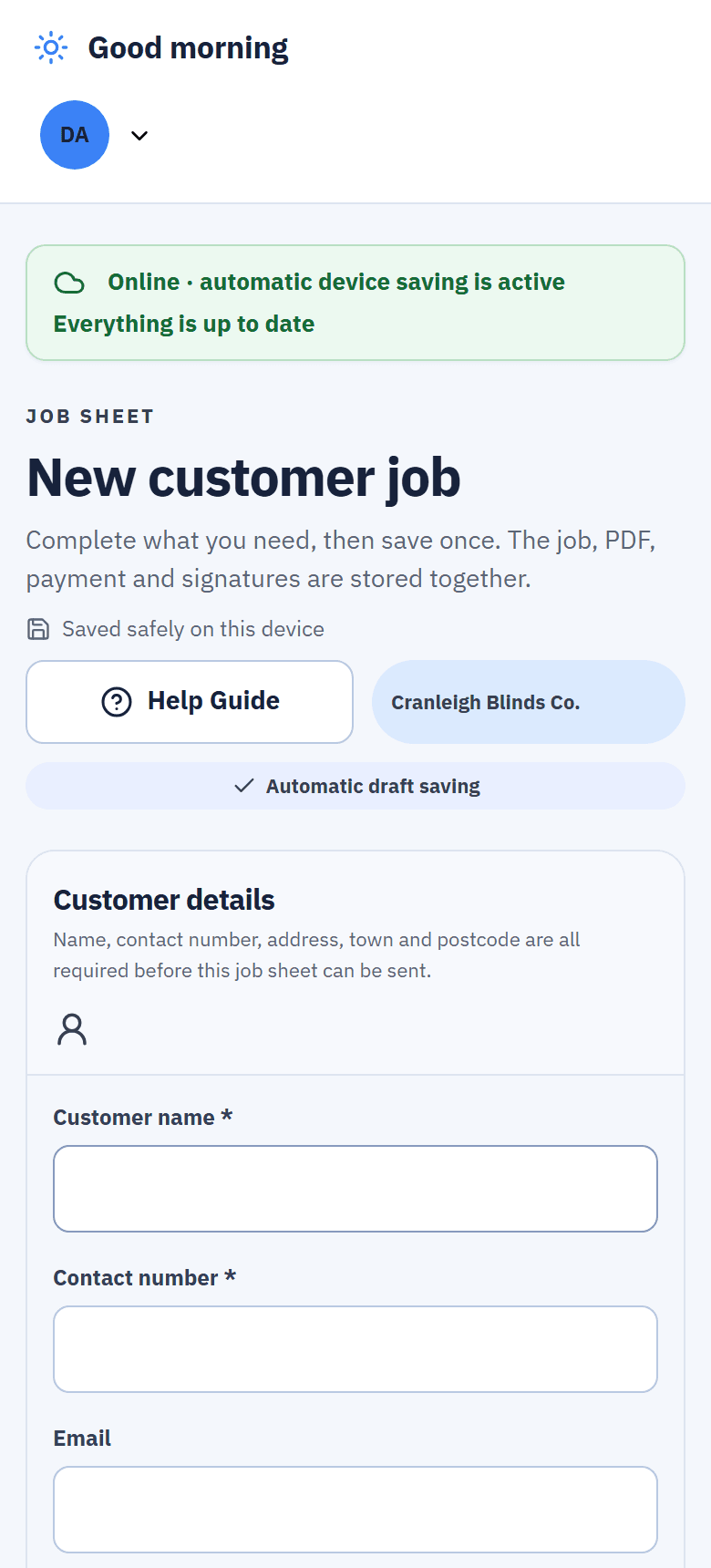
- The fitter's own view. Fitters get their own version of the customer on their phone.
- Send to Team Hub. Start a conversation about the customer, attached to their record.
Your customers, your data
One customer, exported
The CEO can export everything about one customer as a single file.
Lists to CSV
Customers, payments, documents, jobs and more export to CSV, screen by screen.
Who sees what
Four roles, CEO, office, fitter and manufacturer, each checked on the server and in the database.
Archived, not lost
Archived jobs are read-only and can be restored when the customer comes back.
What happens when a customer rings again.
Their history is waiting, so the conversation starts where the last one ended.
- Search finds them. By name, phone, email or postcode.
- Their history is there. Earlier jobs, the blinds and their measurements.
- A new job, same record. Book the measure from the customer.
- The fitter sees it too. On their own view of the customer.
Questions about customer records
Can I bring my existing customer list in?
There is no customer importer yet. New customers are added as they come in, with a warning when one may already be on file. Moving an existing list in is a manual job.
What happens to duplicate customers?
Adding a customer warns you when they may already exist, and the CEO can merge two records into one.
Who can see a customer's record?
It depends on the role: CEO, office, fitter or manufacturer, with per-person changes the CEO can make. Fitters have their own view of the customer.
Can I export a customer's data?
Yes. The CEO can export one customer's whole record as a single file, and the customer list exports to CSV.
What happens to old jobs?
Jobs older than three years, and quotes left silent for 14 days after a deposit reminder, move to Archived jobs. They are read-only there, and can be restored.
Related features
Keep every customer on one record.
See Customer 360 in the live demo with no sign-up, or start your 14-day trial.