
A question from the doorstep, answered on the job.
Team Hub is the team's chat inside Blinds Base. Conversations hang off the job or the customer they're about, so the answer is there the next time anyone opens it, not lost in a group chat.The team's chat inside Blinds Base, attached to the job or customer it's about.
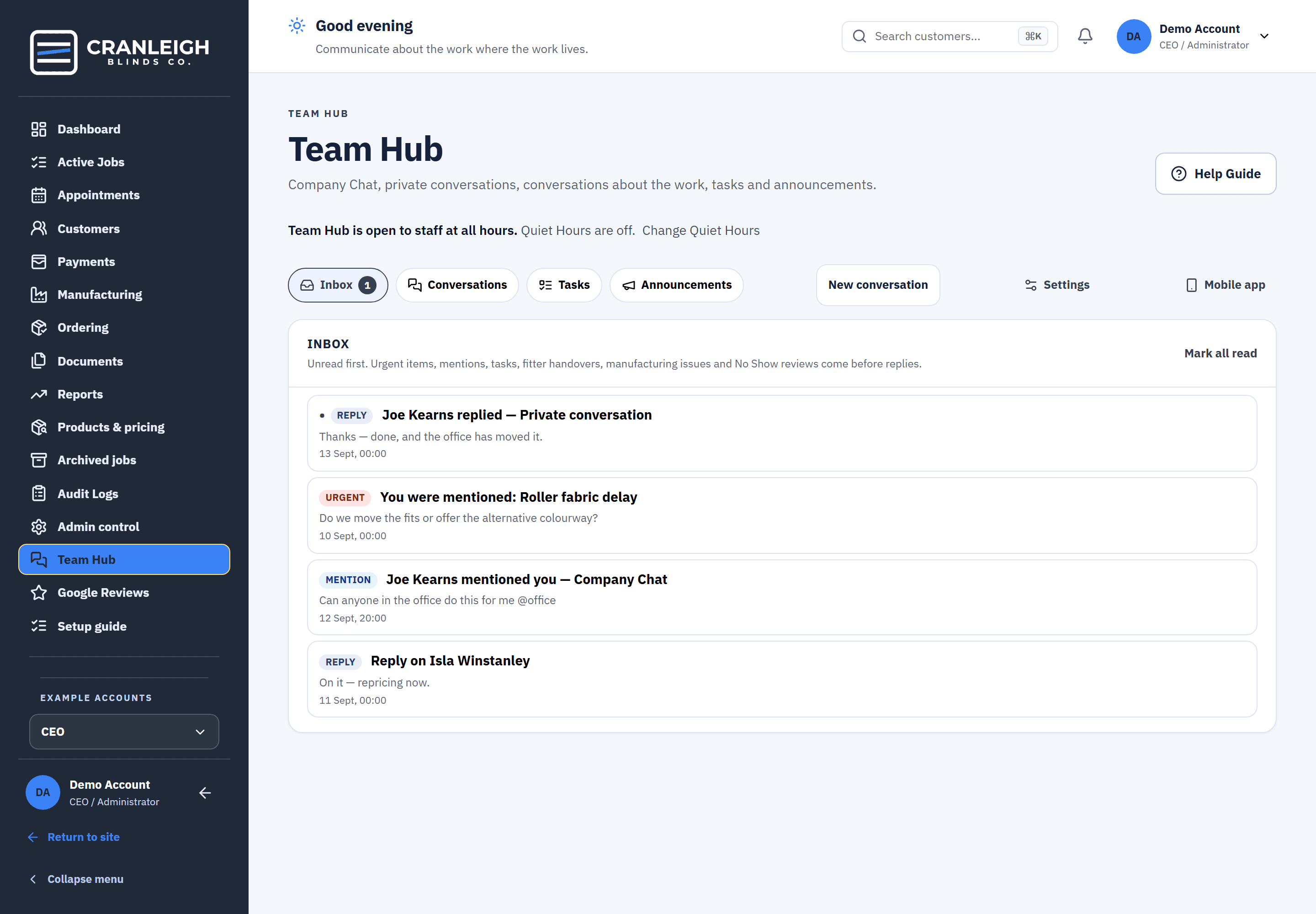
For all four roles: CEO, office, fitter and manufacturer.
Real screens from the live demo, a fictional blinds business.
Send anything to Team Hub, attached to the work.
From a job, a customer, a booking, a document, a manufacturing item, the fitter's phone or the maker's workspace, Send to Team Hub starts a conversation about that exact thing.Send to Team Hub from a job, customer, booking, document or the fitter's phone.
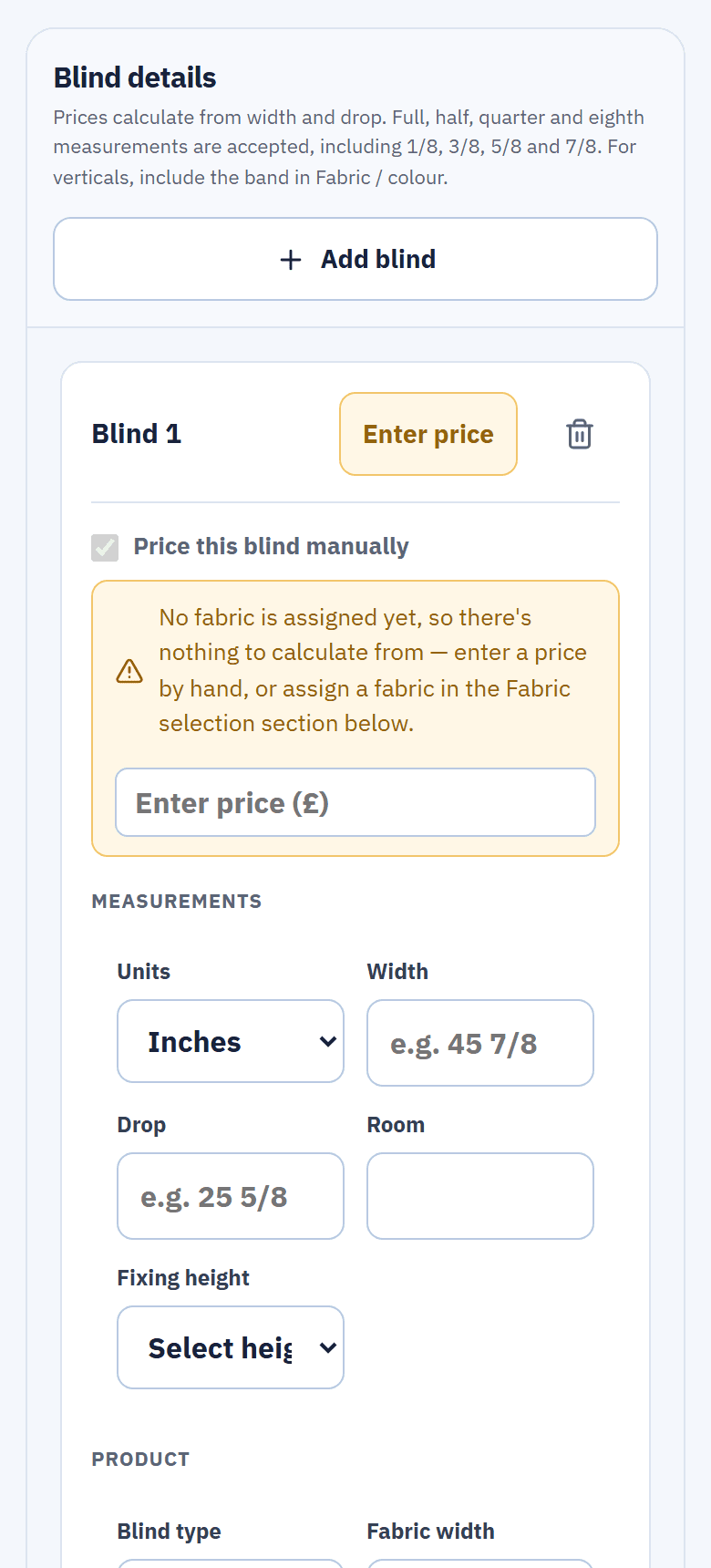
- Price checks. The fitter asks the office to check a price; the office answers Price verified or Price needs correcting.
- Fitter handovers. A category, a note and up to 3 attachments, held until Quiet Hours end.
- Search and drafts. Find an old conversation, and finish a message later.
The fitter, the maker and the office all see the same thread, so nobody forwards a screenshot or retells the story.
Only a tag interrupts anyone.
Ordinary messages don't notify. An @mention of a person, or of a group your permissions allow, does: in the bell, and Team Hub mentions can notify your phone.Ordinary messages don't notify. An @mention does, in the bell and on your phone.
- Company chat and private messages. One conversation for everyone, and one-to-one when it's private.
- The bell. What needs you, in one place.
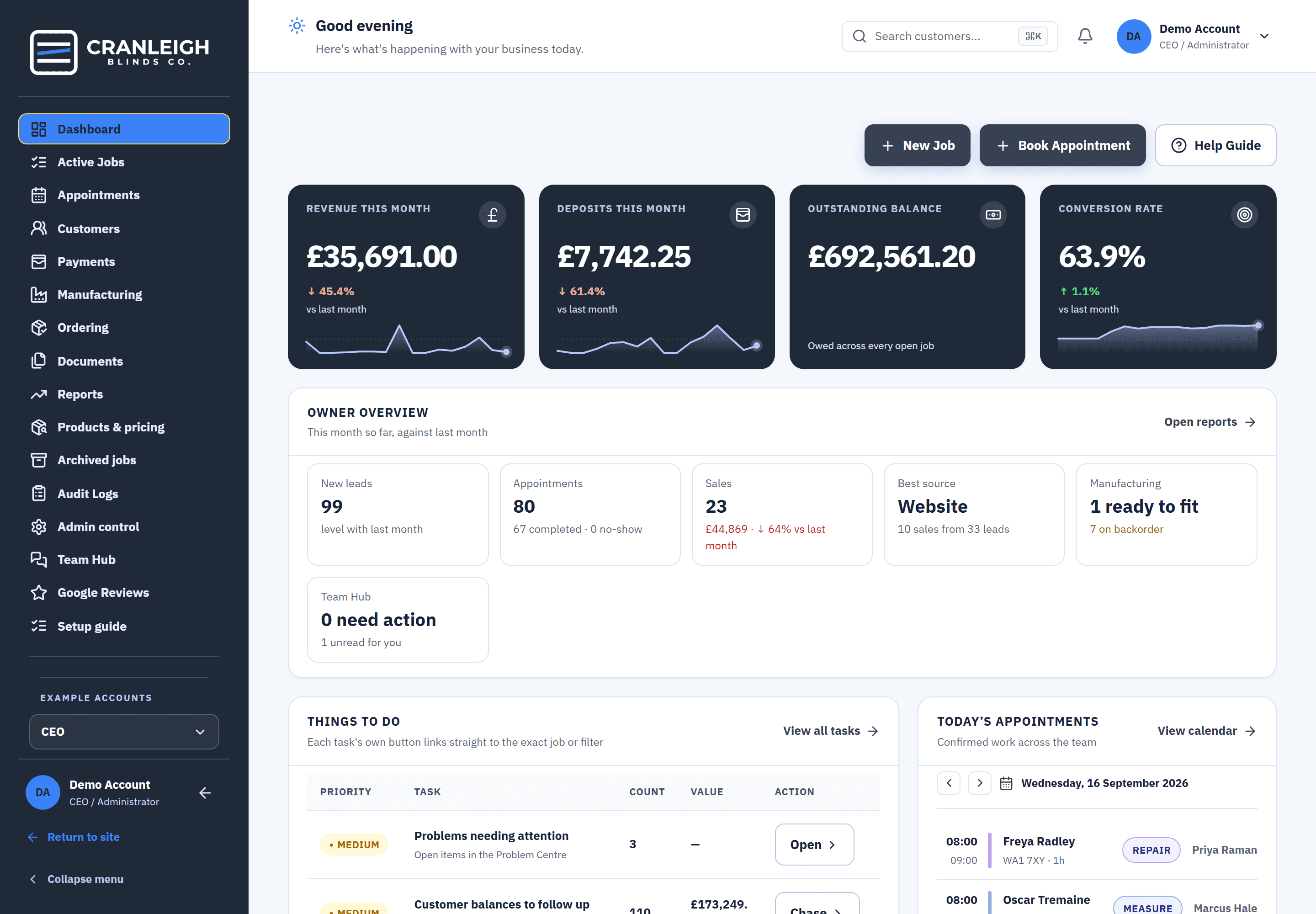
- On the dashboard. The owner sees how many conversations need action.
Also in Team Hub
Tasks
Give someone a job to do, in the same place as the conversation.
Announcements
Tell the whole team, and see who has acknowledged it.
Quiet Hours
The CEO sets one set of hours; handovers wait until they end.
Time off
Fitters ask for time off in Team Hub, and the calendar shows it.
What happens when a fitter hands a job to the office.
The handover arrives with everything the office needs, at a time someone is there to read it.
- The fitter sends it. A category, a note and up to 3 attachments.
- Held for Quiet Hours. If it's sent at night, it waits until Quiet Hours end.
- The office picks it up. With the job and the customer attached.
- The answer stays on the job. For whoever opens it next.
Questions about Team Hub
Who can use Team Hub?
All four roles: CEO, office, fitter and manufacturer. Group tags depend on each person's permissions.
Will everyone be notified about every message?
No. Only an @mention notifies. Ordinary messages don't.
Does it work on a phone?
Yes. Add Blinds Base to the Home Screen from Safari or Chrome, and Team Hub mentions can notify your phone. On an iPhone this needs the Home Screen copy and iOS 16.4 or later.
What are Quiet Hours?
One set of hours the CEO sets. A fitter's handover sent during them is held until they end.
Can a maker ask the office a question?
Yes. Ask Office on a manufacturing item starts a Team Hub conversation attached to that item.
Related features
Keep the answer on the job.
Open Team Hub in the live demo with no sign-up, or start your 14-day trial with your team.