
Deposits that chase themselves. Balances you can see.
Blinds Base records every payment, on the doorstep or in the office, and makes the receipt. If a quote has no deposit, reminders go out at 3, 7 and 14 days. Payments are recorded, not processed: there is no card machine and no payment link.Every payment recorded and receipted. Reminders at 3, 7 and 14 days when a quote has no deposit.
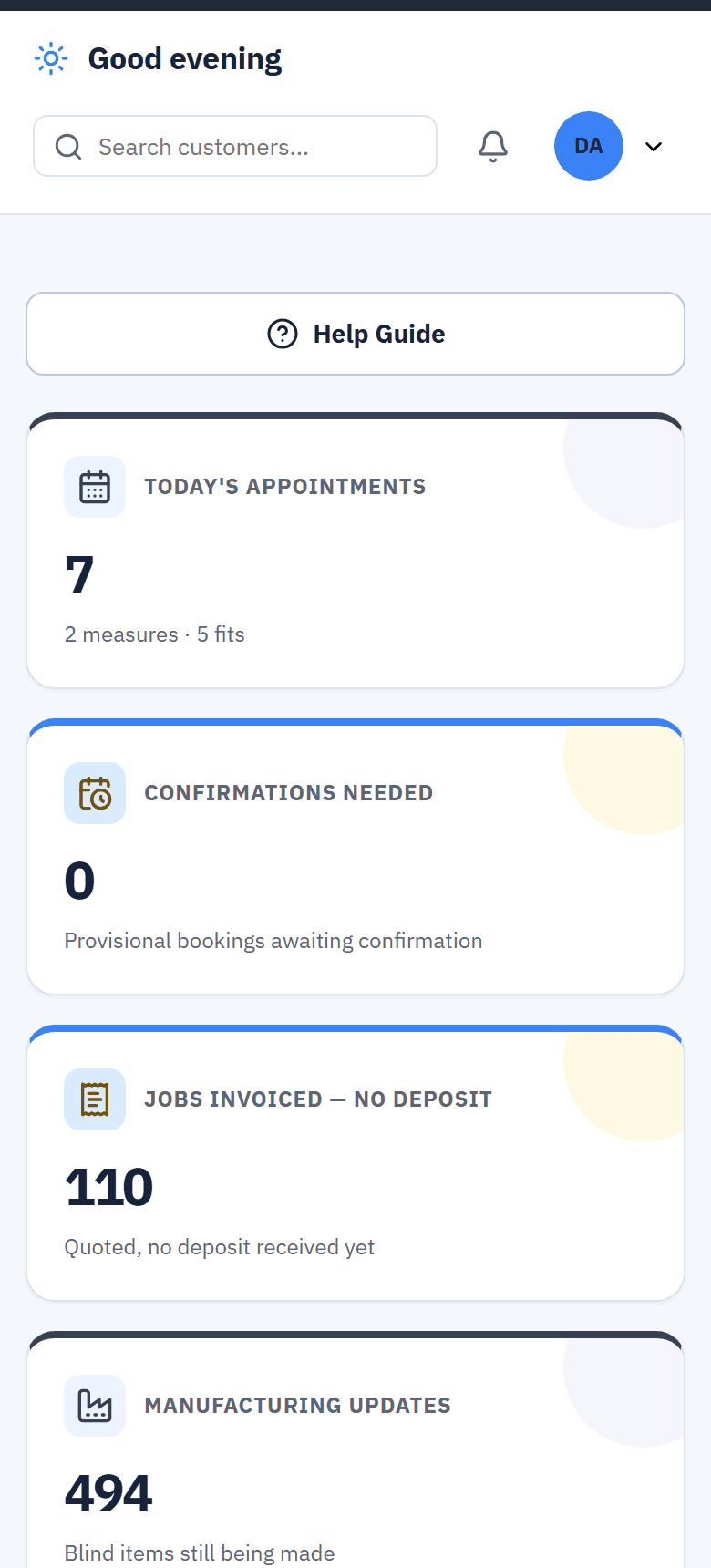
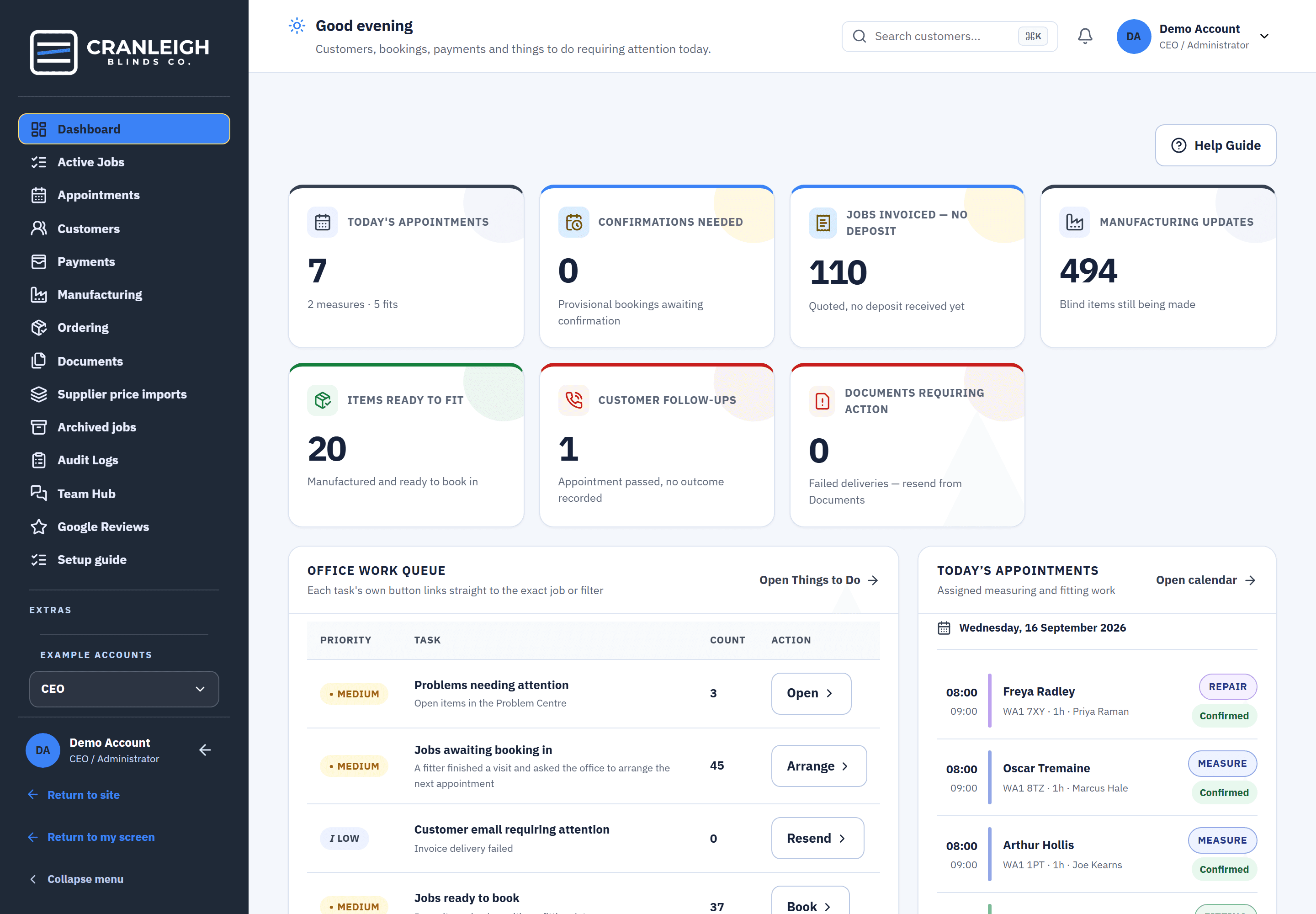
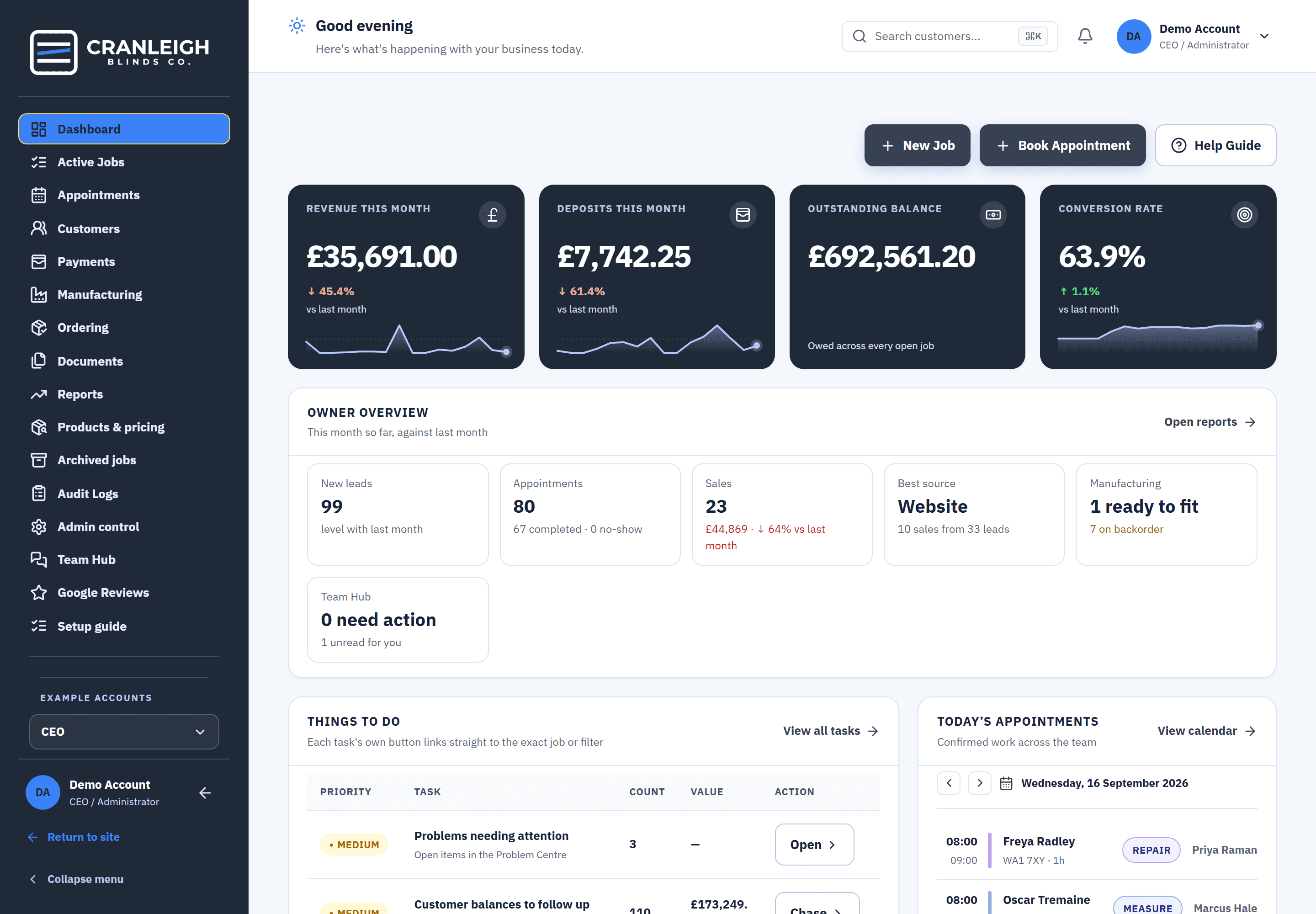
Recorded, not processed: Blinds Base keeps the record of every payment.
Real screens from the live demo, a fictional blinds business.
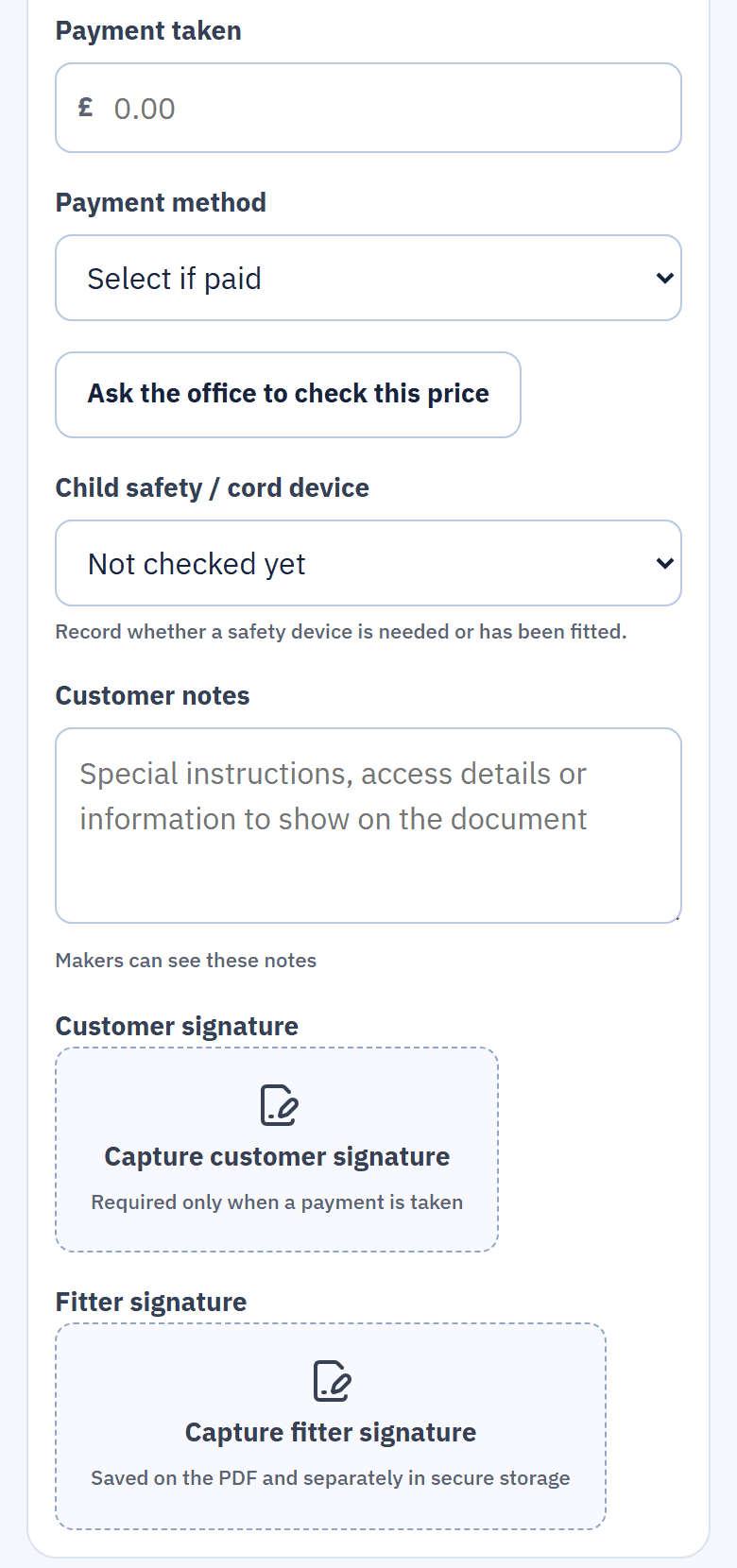
The deposit, written down before the fitter leaves.
The fitter records how much was paid and how: card, cash, bank transfer, finance or other. Both signatures are then required, and the amount can't be more than the order total.The fitter records the amount and how it was paid. Both signatures are then required.
- Money off for paying today. On a fresh quote, the fitter is asked once whether to offer 10% off for paying the deposit there and then.
- The right document. The sheet chooses the document from the amount received, so a deposit gets a deposit receipt.
- Recorded, not processed. The card machine, cash or transfer is yours; Blinds Base keeps the record.
No deposit yet? The reminders go without anyone remembering.
When a quote has no deposit, Blinds Base sends reminders 3, 7 and 14 days after the quote. They are on from the start, and you can change the days in Quotes & deposits.Reminders 3, 7 and 14 days after the quote, on from the start. You can change the days.
- Email, text or both. You choose. Texts need the optional SMS number, go between 8am and 8pm, and stop for a customer who replies STOP.
- An optional pay-by discount. Offer money off if the deposit is paid by a date.
- No button to press. There is no manual send, on purpose: the schedule does the chasing.
A quote that stays silent for 14 days after a reminder moves to Archived jobs by itself, where it can be restored.
Paid over the phone? The receipt and confirmation make themselves.
When the office records a payment, Blinds Base makes the receipt in the same step, DR- for a deposit and PR- for a later payment, and sends the customer a payment confirmation automatically.An office-recorded payment makes its receipt and sends the customer a payment confirmation automatically.
- No signatures needed. An office receipt is made without them.
- Refunds kept straight. A refund is recorded as a negative entry, and a payment can be reversed. Refunds and write-offs get no receipt.
- CSV export. Take the payments list to your accountant as a CSV file.
After the deposit
Balances owed, by age
Every customer who still owes money, grouped by how long it's been. A balance reminder is sent by hand, by email or text, when you decide. Company-wide totals are for the CEO.
Collected at the fit
The fitter reopens the sheet at the fitting to record the balance. Jobs waiting for a repair sit in their own group.
A Google review request
Once a job is finished and paid in full, the customer can be asked for a review after a delay you choose, once per customer, ever. Switch it on and paste your review link.
What happens to the money, in order.
Each step is recorded on the customer, so anyone can see where a job's money stands.
- The quote goes out. With the suggested deposit on it.
- Reminders at 3, 7 and 14 days. Only while there is no deposit.
- Deposit recorded, receipt made. On the doorstep, or by the office with a confirmation to the customer.
- The balance is collected. At the fitting, or by the office; Balances owed shows what is left.
- Paid in full. The job can ask the customer for a Google review, if you have switched it on.
Questions about deposits and payments
Does Blinds Base take card payments?
No. Payments are recorded, not processed. The fitter or the office records the amount and how it was paid. There is no card terminal and no payment link.
Can I change when deposit reminders go out?
Yes. They go 3, 7 and 14 days after the quote to start with, and you can change the days. You also choose email, text or both.
Does the customer get a receipt when the office records a payment?
Yes. The receipt is made in the same step, DR- for a deposit and PR- for a payment, and the customer is sent a payment confirmation automatically.
How are refunds handled?
A refund is recorded as a negative entry, and a payment can be reversed. Refunds and write-offs do not get a receipt.
Does it connect to my accounting software?
Not directly. Payments, documents and other lists export to CSV for your accountant.
Related features
Stop chasing deposits by hand.
See payments and balances in the live demo with no sign-up, or start your 14-day trial.