
Quotes that write themselves from the job sheet. And always add up.
When the fitter sends the sheet, Blinds Base makes a PDF quote in your logo and colours and emails it to the customer with your terms. The normal price comes first, then each saving, then VAT, with totals that always add up.When the fitter sends the sheet, a PDF quote in your branding goes to the customer with your terms.
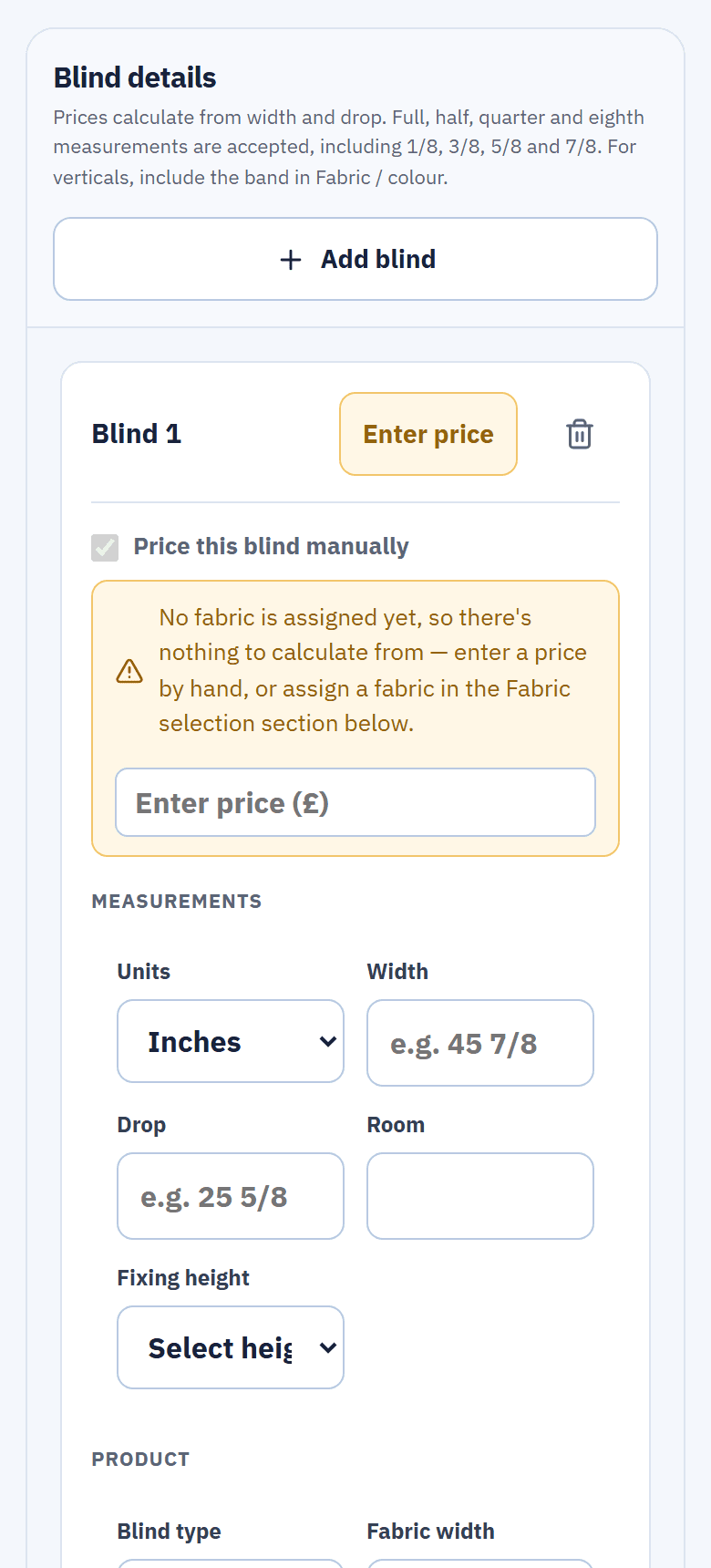
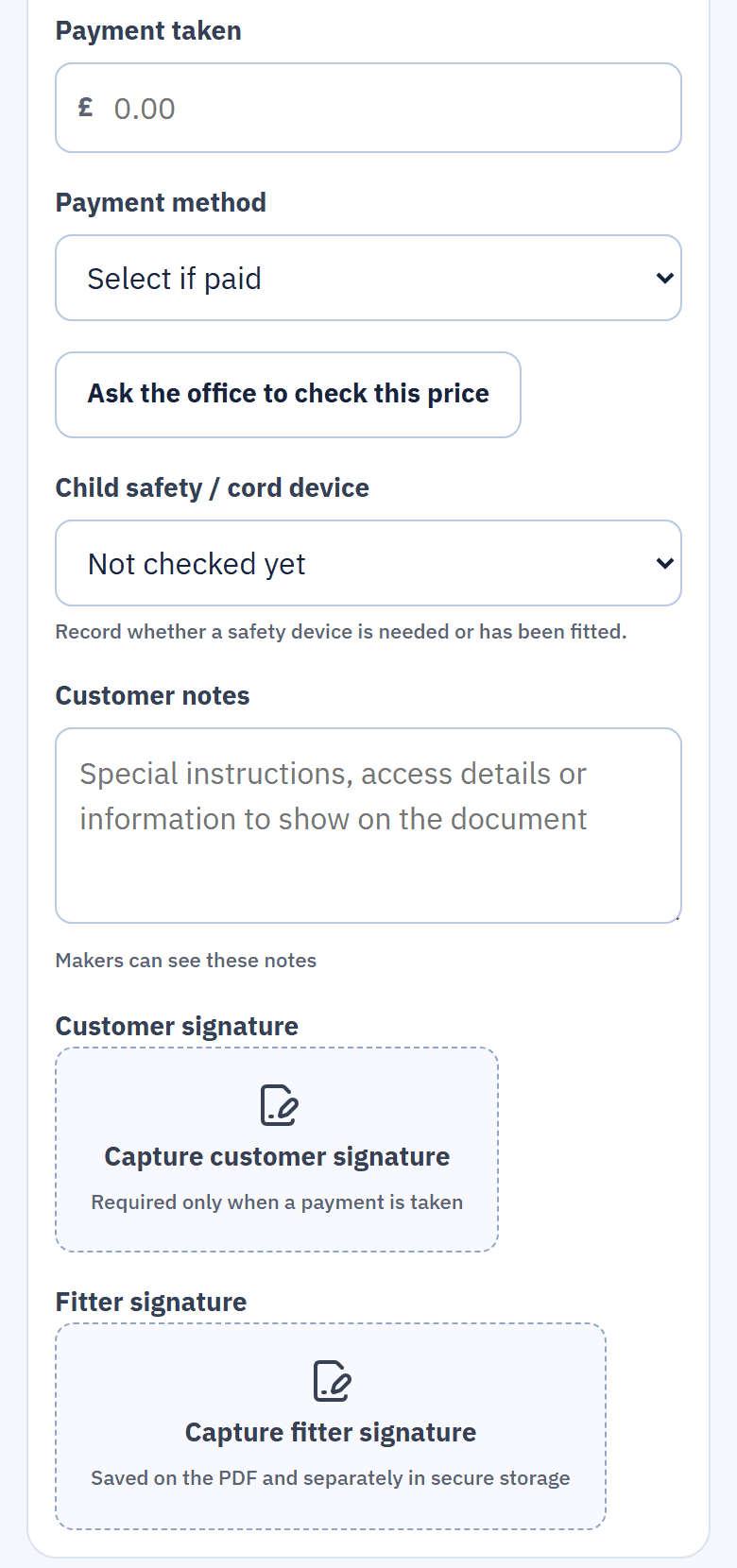
Quotes, receipts and the maker's copy, all made from the same sheet.
Real screens from the live demo, a fictional blinds business.
No re-typing between the living room and the quote.
The quote is built from what the fitter measured and priced on site: each blind's room, size, product, fabric and price. Sending the sheet creates the quote automatically, so the office never copies figures off paper.The quote is built from what the fitter measured and priced on site. Nobody copies figures off paper.
- Priced from your grid. Each blind's price comes from the supplier price list the office imported, not from memory.
- VAT your way. The fitter chooses No VAT or Add VAT (20%) on the sheet, and the quote follows.
- Agreed a different price? The fitter can change the final price on the sheet, and the quote shows the normal price and the saving.
Normal price, each saving, then VAT. Totals that always add up.
Every customer document is laid out the same way on A4: the normal price first, then each saving grouped by offer, then VAT, and a total that always matches the lines above it. A customer can follow it without a phone call.Normal price, then each saving, then VAT, with a total that always matches the lines above it.
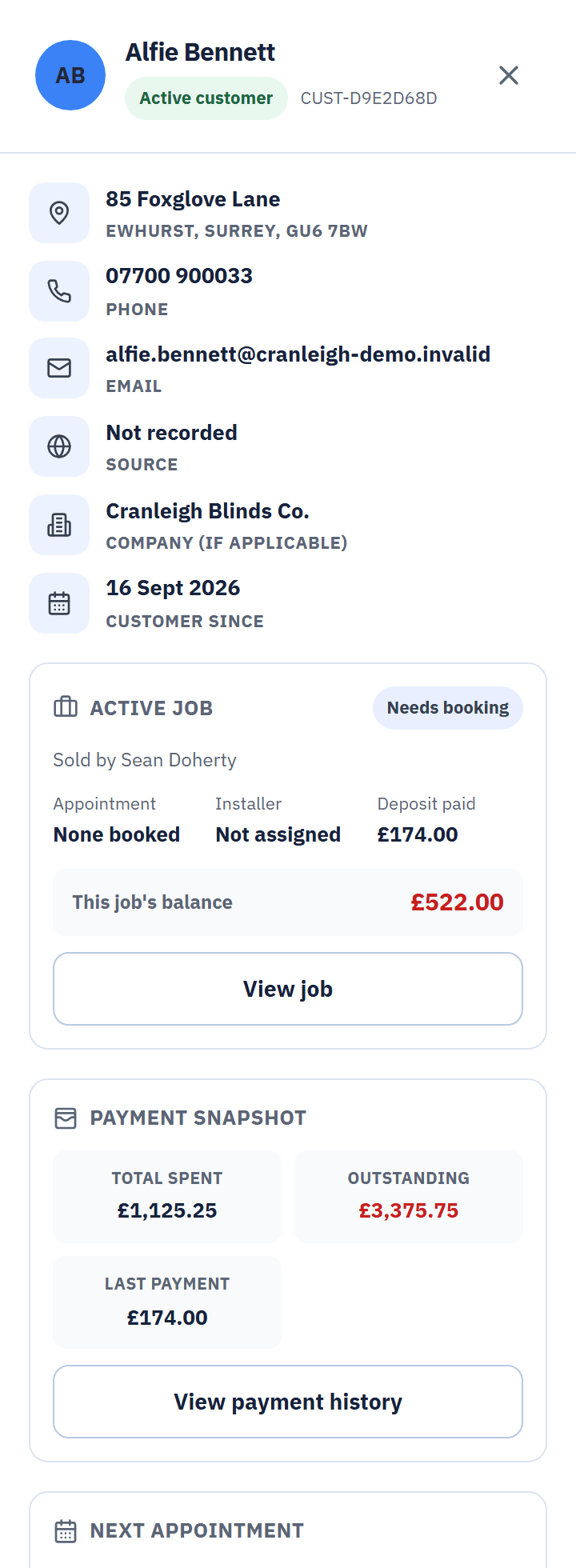
From the live demo, a fictional business.
- Your branding. Your logo and colours on the paperwork, the emails and the screens your team uses.
- Fixed once made. A PDF is frozen when it is generated, so what the customer received is what you keep.
- Archived, never deleted. Quotes, receipts and uploaded files stay on the customer's record under Documents.
Sent by email, resent in a click, revised with a new number.
The quote goes to the customer by email with your terms. The office can resend it, send quotes in bulk, or send it by text as a secure link that works for 30 days. Texts need the optional SMS number.Emailed with your terms, resent in a click, or sent by text as a secure 30-day link.
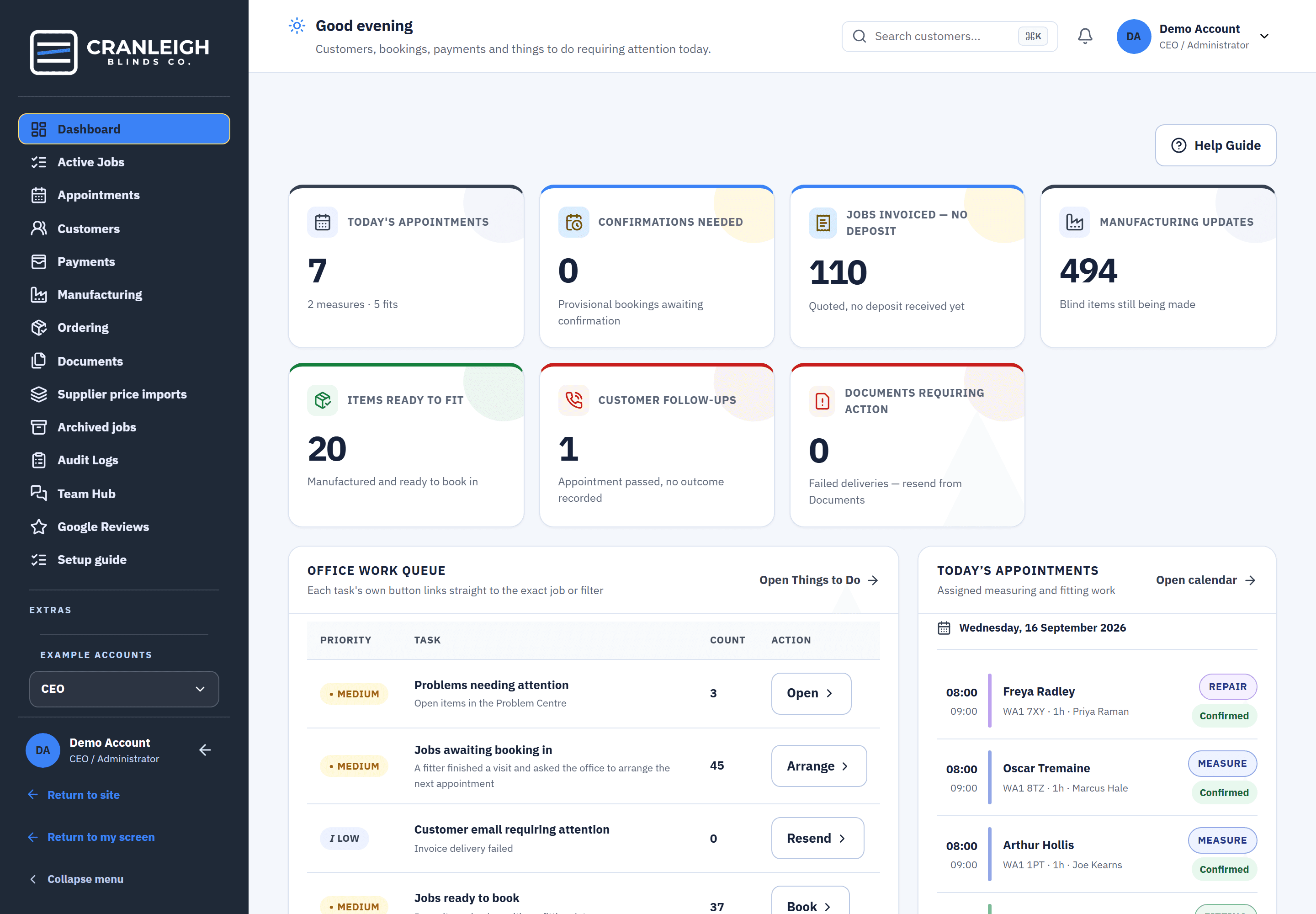
- Revisions get their own number. The old version is marked Superseded, and you are warned about any work already under way.
- Failed emails show up. A quote that did not reach the customer appears as a document needing action, ready to resend.
- Commercial jobs too. The office records a commercial job's acceptance with a PO number, and an accepted commercial job can have a VAT invoice.
Every document, from one sheet
Each one is made from the same figures, so they never disagree with each other.
Quote
Made automatically when the fitter sends the sheet, and emailed with your terms.
Deposit and payment receipts
Made when a deposit or payment is recorded, by the fitter on the doorstep or by the office.
Fitting sheet
What the fitter needs on the day of the fit, from the same job.
The maker's copy
Sizes, products and fabrics for the workshop, with no prices on it.
Price-check copy
A copy for the office when a fitter asks for a price to be checked.
Commercial quote and VAT invoice
For commercial work. A VAT invoice needs your VAT number and an accepted job.
What happens after the quote is sent.
The quote starts the paperwork. Blinds Base keeps it moving without anyone at a desk re-typing it.
- The customer has it. In their inbox, in your branding, with your terms.
- No deposit? It chases itself. Reminders 3, 7 and 14 days after the quote, until a deposit is recorded.
- The deposit is recorded. A receipt is made, and an office-recorded payment also sends the customer a confirmation.
- The order goes to the makers. Each blind becomes an item to make, and the maker's copy carries no prices.
Questions about quotes
Can customers accept a quote online?
Not yet. A home job is accepted by taking a deposit or by the customer signing on the fitter's phone. For a commercial job, the office records the acceptance with a PO number.
Do home jobs get an invoice?
Home jobs get a quote and receipts. A VAT invoice is available for accepted commercial jobs, and it needs your VAT number.
What if the price changes after the quote is sent?
Revise the quote. The new version gets its own number and the old one is marked Superseded, so there is never any doubt which one the customer is looking at.
Can I put my own logo and colours on the quote?
Yes. Your logo and colours go on the paperwork, the emails and the screens. A PDF is fixed once it is made, so a later change to your branding does not rewrite old documents.
Do supplier price rises change quotes we've already sent?
No. Quotes already sent keep their price. A new price list only affects sheets priced after it goes live.
Related features
Send quotes that add up, every time.
See the paperwork in the live demo with no sign-up, or start your 14-day trial with your own logo.