
Your supplier's price list, live on every job sheet.
Upload the supplier's own Excel or CSV file. Blinds Base reads the sell price, never your cost, shows you exactly what changes, and puts the new prices live now or on the date you choose. Your offers sit on top, applied on the sheet only when a job qualifies.Upload the supplier's own file. Blinds Base reads the sell price, never your cost, and puts it live on the date you choose.
Every new account starts with a sample catalogue to replace with your own.
Real screens from the live demo, a fictional blinds business.
Upload the supplier's file. Check it. Choose the day it goes live.
Blinds Base recognises the supplier from their last file and shows what will change before anything is live. The new prices then go live straight away or on a set date, and for 14 days the change can be undone.It recognises the supplier, shows what will change, and goes live now or on a set date, with 14 days to undo.
- Sell price only. It reads the RRP or sell column of the supplier's file, never your cost.
- Quotes already sent keep their price. A price rise never rewrites a quote the customer already has.
- Flat-rate lists too. A flat-rate CSV import replaces the whole table, so there is never a half-old, half-new list.
The fitter's price comes from the grid, and stays there.
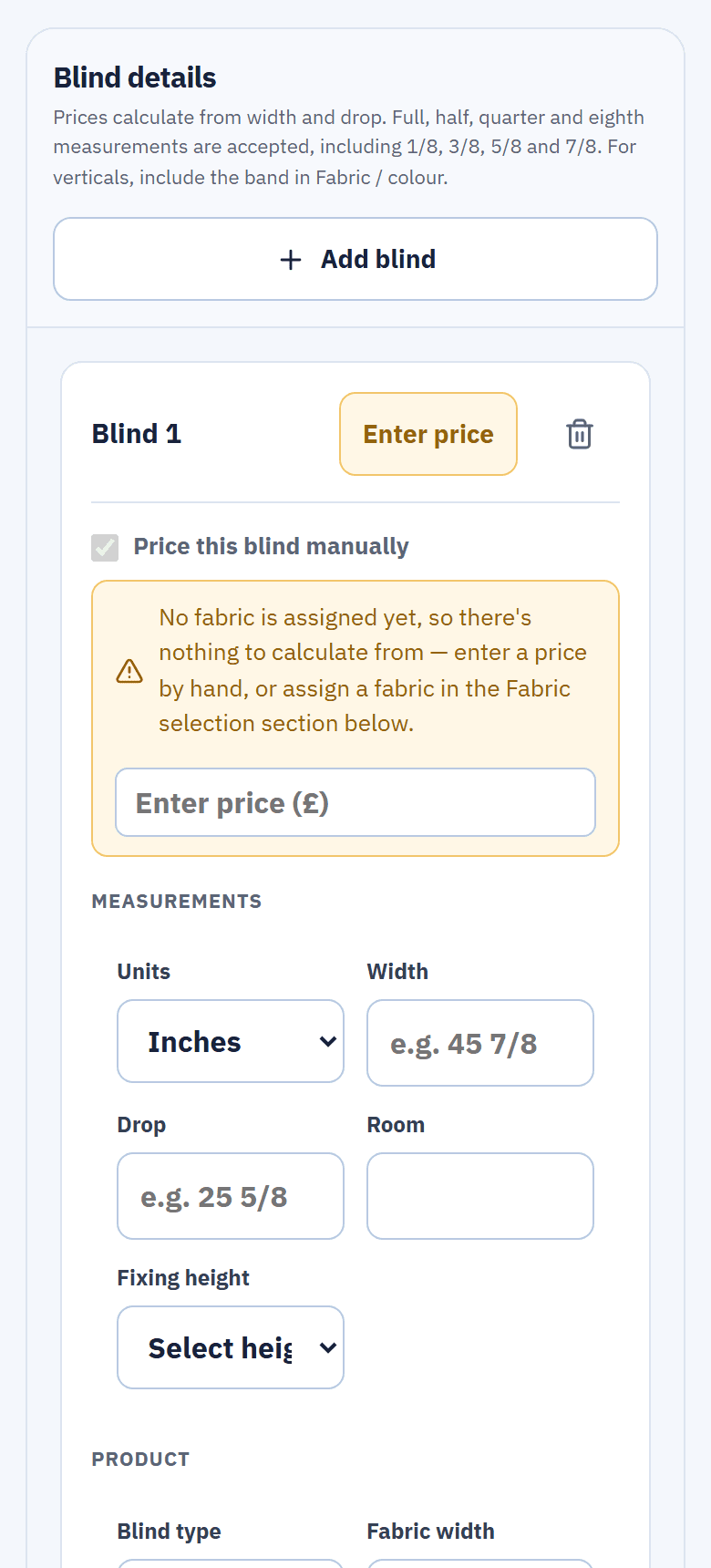
On the sheet, the fitter picks supplier, book, fabric and colour and enters the width and drop, in millimetres or in inches with eighths. The price is read from the grid and locked against hand edits.The fitter picks the fabric and enters the size; the price is read from the grid and locked.
- Manual only when it should be. A hand-typed price is allowed only outside the grid's sizes, or when the fitter ticks it.
- A price check, not a guess. The fitter asks the office from the sheet; the office answers Price verified or Price needs correcting in Team Hub.
- A whole room at once. One fabric can be applied to every blind in the room, with accessories per blind.
Offers that understand fabrics.
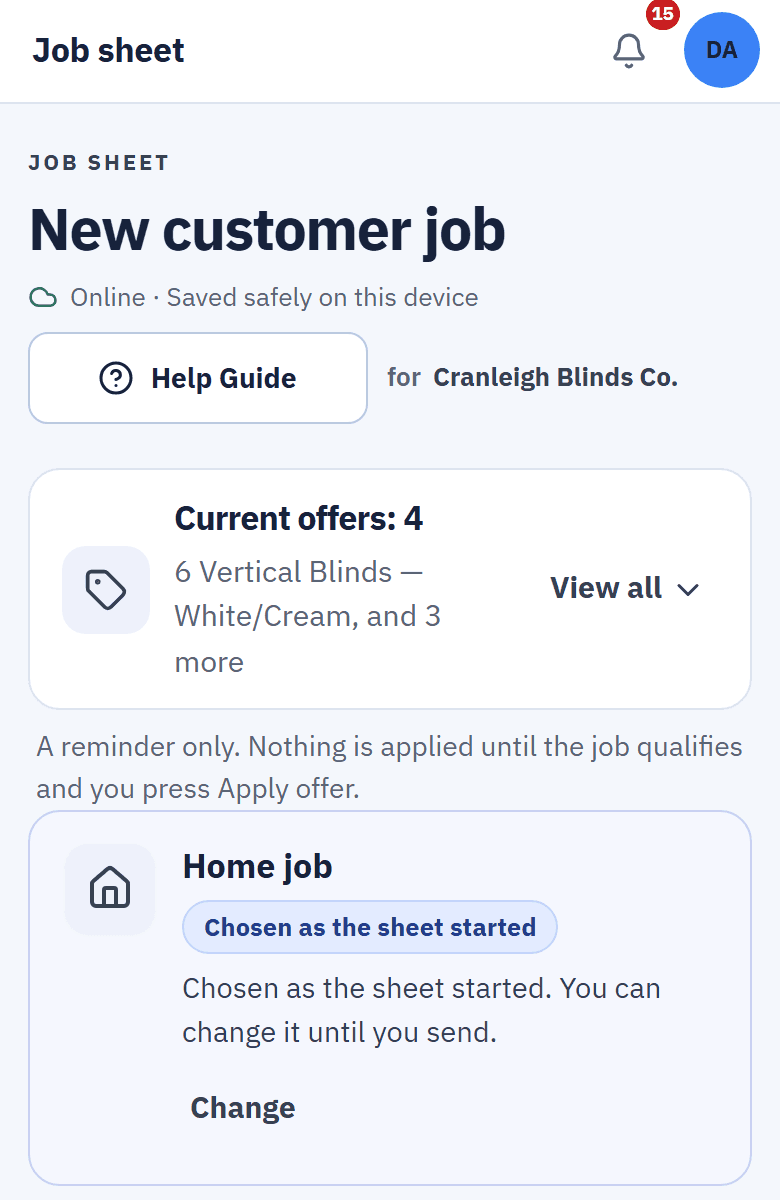
Set up a package deal, such as six verticals for one price, and choose exactly what qualifies: a whole fabric book, or single fabrics and colours, with exclusions that always win. Then add the sizes it covers and the dates it runs.Package deals that qualify by fabric book, fabric or colour, size and dates. Exclusions always win.
- Never costs the customer more. An offer that would put the price up is never suggested, and it is checked again when the sheet is sent.
- Nothing applied by surprise. The sheet reminds the fitter which offers are running, and applies one only when the job qualifies and the fitter presses Apply offer.
- See what each offer did. The office sees how many jobs used each offer and what it saved customers.
Changing prices without the spreadsheet work
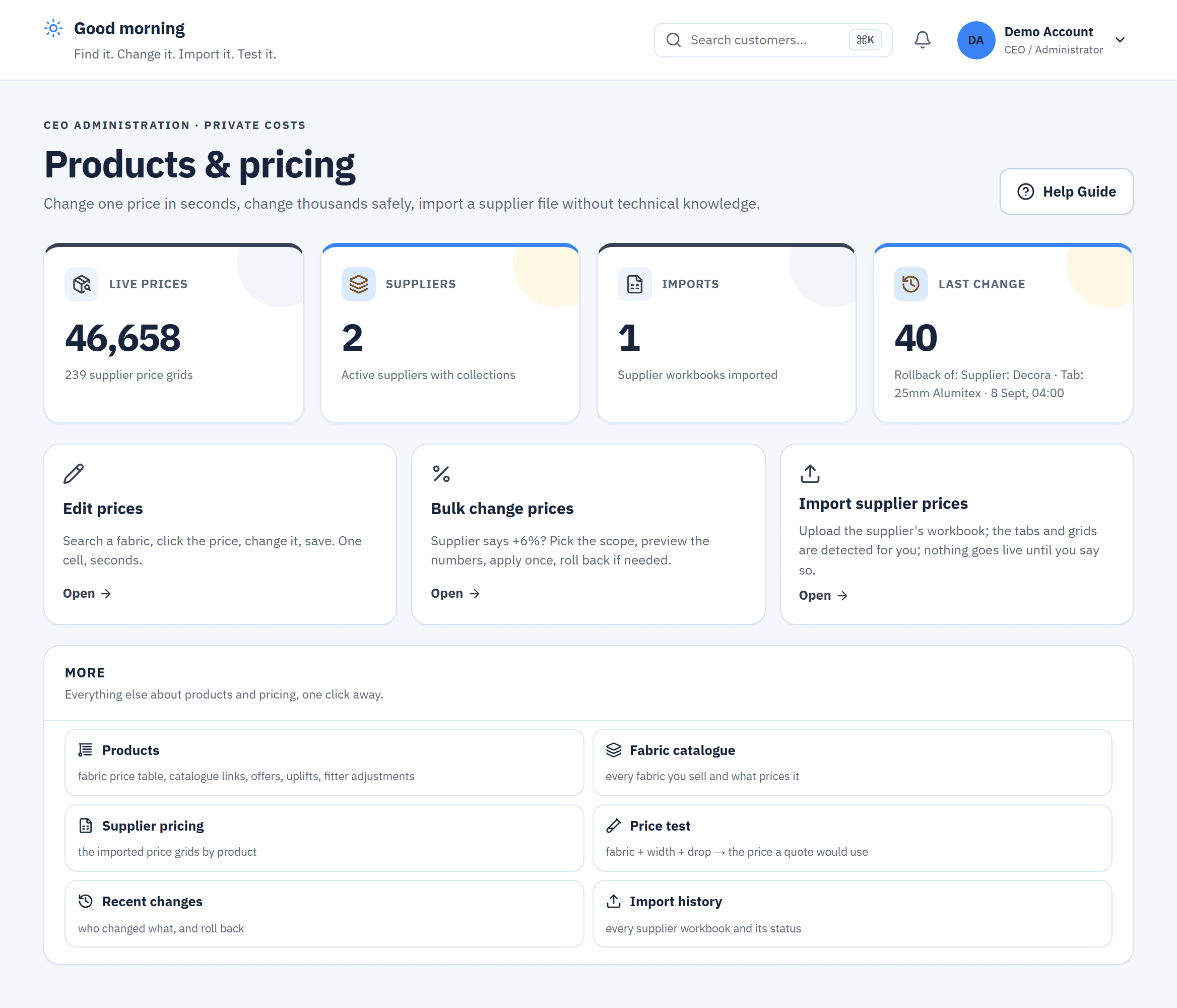
Change many prices at once
A step-by-step change over the supplier grids, previewed before it is applied. Or add a mark-up per product without touching the stored prices.
Price test
Check what a fabric at a given size will cost before a fitter quotes it.
Recent changes
Every price change is listed, and an import can be undone for 14 days.
What happens after you upload a price list.
From the supplier's email to the fitter's phone, without a spreadsheet in between.
- You see what changes. Before anything is live, the import shows the prices that will move.
- It goes live on your date. Straight away, or on the day the supplier's increase starts.
- Every new sheet uses it. Fitters price from the new grid; quotes already sent keep their price.
- Changed your mind? Undo the import within 14 days.
Questions about price lists and offers
Can I import my supplier's price list from Excel?
Yes. Upload the supplier's own Excel or CSV file. Blinds Base recognises the supplier from their last file, shows what will change, and goes live now or on a date you set.
Does it read my cost prices?
No. It reads only the RRP or sell column, never your cost.
What if an import is wrong?
You can undo it for 14 days. Quotes already sent keep the price they were sent with.
Can an offer make a job more expensive?
No. An offer that would cost the customer more is never suggested, and the offer is checked again when the sheet is sent.
Can my fitters type their own prices?
Only outside the grid's sizes, or when they tick to price a blind manually. Otherwise the grid price is locked, and they can ask the office to check it from the sheet.
Related features
Price every blind from the supplier's own grid.
See products and pricing in the live demo with no sign-up, or start your 14-day trial and import your own list.